WiFi QR Scanner & Generator


WiFi QR Scanner & Generator Summary
WiFi QR Scanner & Generator is a ad-supported Android app in Tools by Jak Developer. Released in Apr 2021 (5 years ago). It has about 84K+ installs and 206 ratings with a 4.42★ (good) average. Based on AppGoblin estimates, it reaches roughly 3.6K monthly active users and generates around $<10K monthly revenue (0% IAP / 100% ads). Store metadata: updated Mar 22, 2026.
Recent activity: 28 installs this week (185 over 4 weeks) showing below average growth View trends →
Store info: Last updated on Google Play on Mar 22, 2026 .
4.42★
Ratings: 206
Screenshots

App Description
Share WiFi easily using QR code – no need to type passwords
🔓 Share & Connect WiFi Instantly with QR Codes
WiFi QR Scanner & Generator is the easiest way to share your WiFi connection without typing passwords. Simply scan or generate a QR code and connect instantly.
No more asking or typing long passwords — just scan, generate, and connect in seconds!
⚡ Key Features
📡 WiFi QR Code Scanner
Scan QR codes to instantly connect to nearby WiFi networks without entering passwords.
🔐 WiFi QR Code Generator
Generate QR codes for your WiFi network and share them easily with friends, family, or colleagues.
👁️ WiFi Password Viewer
View saved WiFi networks and access details (password visibility may require rooted devices).
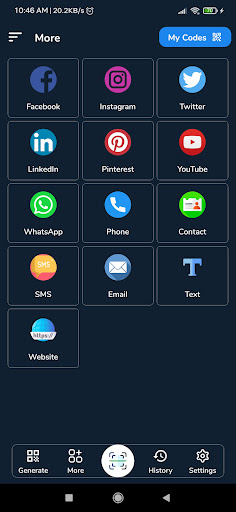
🔗 Multiple QR Code Generator
Create QR codes for:
🌐 Website links
📞 Contacts
💬 WhatsApp messages
📱 Social media profiles
📝 Text & other data
📤 Easy Sharing
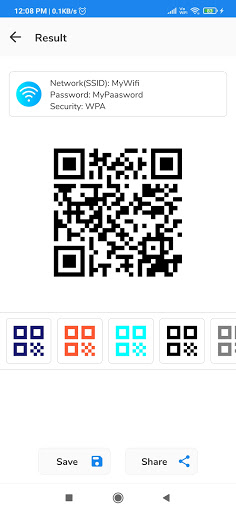
Save or share QR codes via email, messaging apps, or print.
⚡ Fast & Simple
Clean interface with quick scanning and instant connection.
📡 How It Works
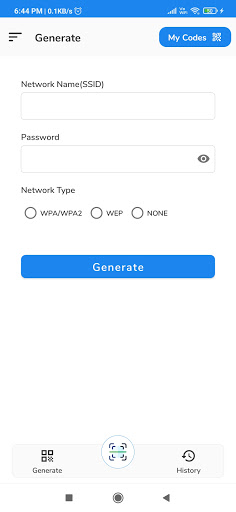
🔹 Generate WiFi QR Code
1. Enter WiFi name (SSID)
2. Enter password (if available)
3. Select security type (WEP / WPA / Open)
4. Tap Generate QR Code
5. Share or save instantly
📌 Additional Features
✔ View previously connected WiFi networks
✔ Save WiFi details for later use
✔ Works offline for QR generation
✔ Lightweight & fast performance