Edit PDF: Scan, Annotate & AI


Edit PDF: Scan, Annotate & AI Summary
Edit PDF: Scan, Annotate & AI is a with in-app purchases Android app in Productivity by Performing Apps. Released in Jan 2026 (4 months ago). It has about 108+ installs Based on AppGoblin estimates, it reaches roughly 14 monthly active users and generates around $<10K monthly revenue (100% IAP / 0% ads). Store metadata: updated Apr 24, 2026.
Recent activity: 3.00 installs this week (25 over 4 weeks) showing steady growth View trends →
Store info: Last updated on Google Play on Apr 24, 2026 .
0★
Ratings: 0
Screenshots


App Description
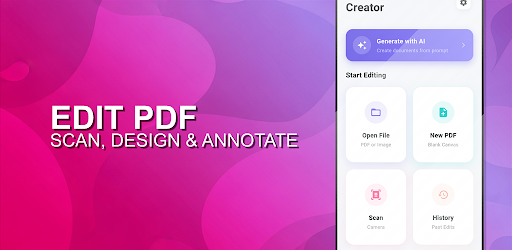
All-in-One PDF Tool: Scan, Convert, Edit and Sign instantly. Enhance with AI.
Unlock the full potential of your documents with Edit PDF. From importing images and scanning to AI-driven creation and editing, handle any PDF task directly from your device.
🔥 Top Features:
📄 PDF Editor & Scanner
* Edit Text & Images: Modify existing text and insert images directly into your PDF.
* Scan or Import and Convert: Capture documents.
* Crop & Rotate: Adjust page boundaries and orientation with precision.
✍️ Sign & Annotate
* Digital Signature: Sign documents with your finger or stylus.
* Markup Suite: Highlight, underline, strike through, and add freehand drawings.
* Zoom & Sign: Get precise placement and color for your signature every time.
🛠️ Professional Utilities
* Merge Documents: Combine multiple PDFs into a single file.
* Image to PDF: Convert photos from your gallery into professional documents.
* Secure Storage: Local list of all past edits and files
🤖 Advanced AI Tools
* Create document or template from scratch ("Create an Invoice template with items: Pen, Scissors and Eraser")
* AI Eraser: Remove unwanted objects, stains, and shadows from scans
* Add drawings
* Smart Edit: Context-aware text replacement for natural-looking edits ("swap intro and conclusion sections")