Auto Answer Call—Raise to Ear


Auto Answer Call—Raise to Ear Summary
Auto Answer Call—Raise to Ear is a with in-app purchases Android app in Tools by Phone Phreak. Released in Mar 2024 (2 years ago). It has about 121.8K+ installs and 287 ratings with a 3.37★ (mixed) average. Based on AppGoblin estimates, it reaches roughly 6.4K monthly active users and generates around $<10K monthly revenue (100% IAP / 0% ads). Store metadata: updated Oct 7, 2024.
Recent activity: 538 installs this week (3.1K over 4 weeks) showing steady growth , and 1.00 new ratings this week View trends →
Store info: Last updated on Google Play on Oct 7, 2024 .
3.37★
Ratings: 287
Screenshots



App Description
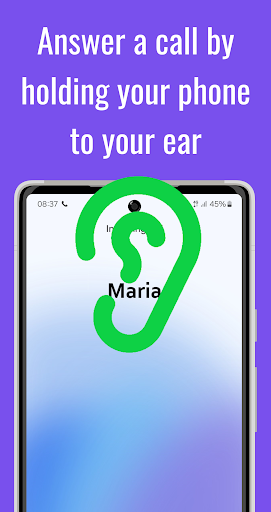
Automatically answer an incoming call by holding your phone to your ear
Tired of always having to swipe in order to answer an incoming call? Auto Answer Call lets you answer a call by simply holding your phone to your ear. When your phone rings and the app detects that it is near your ear, it will beep once and automatically answer the call. It's that simple!
NOTE: The app does not currently work for WhatsApp calls.
Features:
• Easy to enable and disable
• No need to replace the default phone app: works with your existing call screen/phone app
• Option to end an ongoing call by turning the phone face down
• Option to automatically turn down the ringer volume once the phone has been picked up
• Option to automatically end a call when the phone is taken off the ear. Includes the option to delay ending the call for some seconds and have a popup window displayed that lets you choose to still stay in the call. (In case you wanted to just glance at the screen during the call, etc.)
• No extra battery consumption
• No unnecessary permissions
• No ads
This app uses the AccessibilityService API in order to implement its core functionality:
• to accept/end a call on your behalf
• to display a popup window over other apps
No data is collected via the accessibility service.