Status Saver Video Downloader


Status Saver Video Downloader Summary
Status Saver Video Downloader is a mobile Android app in Productivity by Playfake. Released in Jun 2019 (6 years ago). It has about 292.8K+ installs and 1.1K ratings with a 4.41★ (good) average. Based on AppGoblin estimates, it reaches roughly 13.5K monthly active users . Store metadata: updated Nov 1, 2025.
Recent activity: 440 installs this week (18.7K over 4 weeks) showing exceptional growth , and -1 new ratings this week View trends →
Store info: Last updated on Google Play on Nov 1, 2025 .
4.41★
Ratings: 1.1K
Screenshots

App Description
Status Saver Video and Image Status Downloader to Save Status & Business Status
Download and Save Videos and Pictures from Status with the Status Saver app.
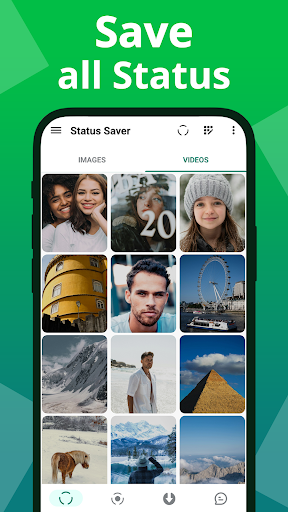
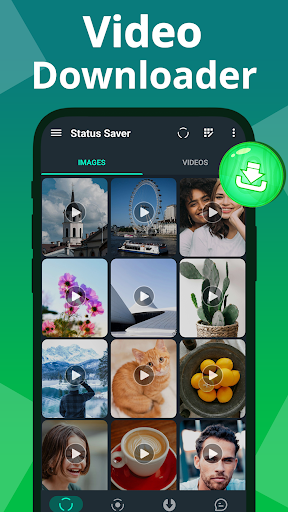
The status downloader app allows you to save all statuses with one click. Now, you can save video statuses offline without any effort. You can also save video statuses and images and repost them to your friends.
Features
- Save Multiple Images and Video Status and Repost them
- Auto Download option available for Quick download
- Managing your Downloads
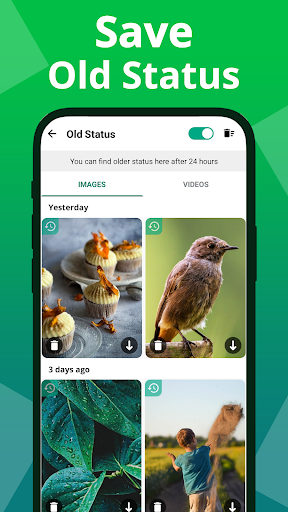
- Manage your Old Statuses
- Play Downloaded Videos and see Full-screen Images
- Share and re-post the Saved Images and Videos
- Business Status supported
- Direct messaging without saving the contact
- More than 20 Languages supported
How it works
- First, you have to Watch the Status from your original App
- Click the download button to save videos or images to your gallery.
Enable Automatic Download
- Once enabled, you can download the Videos and Images by checking their status.
View and Save in High Resolution
The app allows you to view recent status updates in full resolution, allowing you to see the details of each update.
To view an image or video, click on it and then click the download button to save it to your gallery.
Save to Your Gallery or Share as Your Status
This app is independent and is not affiliated with any 3rd party Applications.