쭈루쭈루 뽑기게임


쭈루쭈루 뽑기게임 Summary
쭈루쭈루 뽑기게임 is a ad-supported Android app in Board by PTINSIGHT. Released in Jul 2019 (6 years ago). It has about 21.7K+ installs Based on AppGoblin estimates, it reaches roughly 772 monthly active users and generates around $<10K monthly revenue (0% IAP / 100% ads). Store metadata: updated Aug 13, 2025.
Recent activity: 5.00 installs this week (25 over 4 weeks) showing steady growth View trends →
Store info: Last updated on Google Play on Aug 13, 2025 .
0★
Ratings: 0
Screenshots


App Description
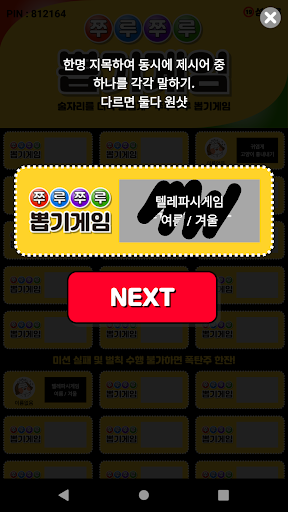
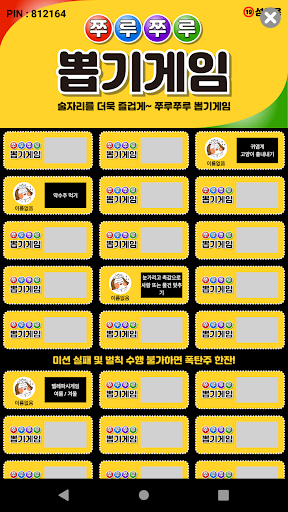
Enjoy a memorable lucky draw game in your app.
A lucky draw game of memories!!
Enjoy it easily with the app at a drinking party~~
* Information on optional access rights
-Storage space: Capture and save game results.
Even if you do not agree to allow optional access rights, you can use the service except for the corresponding function.
*Information on the need to link KakaoTalk and withdrawal
This game supports a multi-user method that links two or more devices.
KakaoTalk messages can be sent to invite players, and KakaoTalk nicknames and profile pictures are imported to record open cards for each player.
For this purpose, KakaoTalk login is mandatory.
Even if you change your nickname or profile picture in the game, it is not saved on our server, but on KakaoTalk server.
Occasionally, there are inquiries requesting withdrawal, but we do not store your information separately, so you do not have to use the app anymore.
Created games are automatically deleted after 7 days so that game results can be checked and continued.
If you want to delete the nickname and profile picture that you changed in the game and reset the agreement, go to KakaoTalk Account Management -> Account Use -> Connected Service Management (https://accounts.kakao.com/weblogin/account/partner) Just 'disconnect'.
For further inquiries, please contact us by email.