탈출! 그림퀴즈

탈출! 그림퀴즈 Summary
탈출! 그림퀴즈 is a ad-supported, with in-app purchases Android app in Trivia by 궁금해Entertainment. Released in Jul 2018 (7 years ago). It has about 96.8K+ installs Based on AppGoblin estimates, it reaches roughly 2.1K monthly active users and generates around $<10K monthly revenue (28% IAP / 72% ads). Store metadata: updated Jul 26, 2025, version 31.
Recent activity: 9.00 installs this week (21 over 4 weeks) showing steady growth View trends →
Advertising: AppGoblin detected 1.00 monetized ad creatives shown inside the app.
Data tracking: SDKs and third-party integrations were last analyzed on May 11, 2026. The app's network data flows (API traffic to/from the app and its SDKs) were last crawled on Jul 14, 2025.
Store info: Last updated on Google Play on Jul 26, 2025 (version 31).
SDKs, Trackers & Permissions
탈출! 그림퀴즈 was last scanned for SDKs 2026-05-11. Below is the overview of third party companies detected in the app. The full list of raw SDKs, app permissions and unknown SDKs is available here.
 Firebase
 AdMob
AdMob Cocos
Cocos Kotlin
 Google
App Details
App Store
Ads & App-Ads.txt
AppGoblin SDK Scans
0★
Ratings: 0
Screenshots

App Description
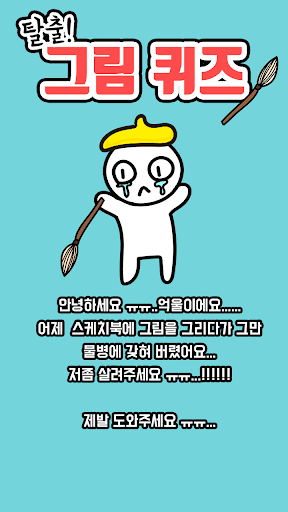
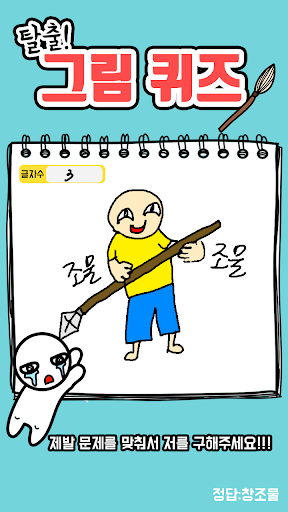
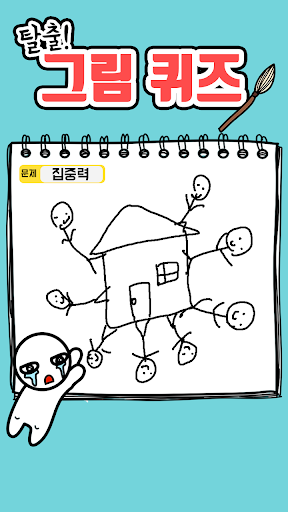
Tried this is unfair to draw a picture to sneak off at dawn. It drowned in Aquarius ...! Picture Quiz in sketchbook Loosen all please obtain unfair to please!
Unwol... fell into a water bottle this time!?
Ungul, who was secretly drawing in the early morning, got trapped in a water bottle!
Please solve all the picture quizzes of the imagination king, Eokul, and save him!ㅠㅠ
My..feet ㅠㅠ
Advertising banners and in-app payments are included.
We call Android Advertising ID to distinguish users.
The Android advertising ID is not directly used or exposed or stored, but is changed to a unique value through UUID and then encrypted before use.
UUID - Universally unique identifier:
[Permission information for using the app]
1) Required access rights
- doesn't exist -
2) Optional access rights
- Notification: Permission required to receive push (notification) about the latest app information (stage updates, etc.) and new app releases. Even if you do not allow it, there will be no problem using the app.
When you first run the app, a window to allow notification permission will appear.
To modify notification permissions, go to Phone Settings -> Applications -> App -> Allow or Do not allow permissions.