Galaxy Buds2 Manager


Galaxy Buds2 Manager Summary
Galaxy Buds2 Manager is a mobile Android app in Tools by Samsung Electronics Co., Ltd.. Released in Aug 2021 (4 years ago). It has about 2.3M+ installs and 8.7K ratings with a 3.47★ (mixed) average. Based on AppGoblin estimates, it reaches roughly 333.9K monthly active users . Store metadata: updated Dec 2, 2025.
Recent activity: 5.8K installs this week (20.4K over 4 weeks) showing steady growth , and 8.00 new ratings this week View trends →
Store info: Last updated on Google Play on Dec 2, 2025 .
3.47★
Ratings: 8.7K
Screenshots

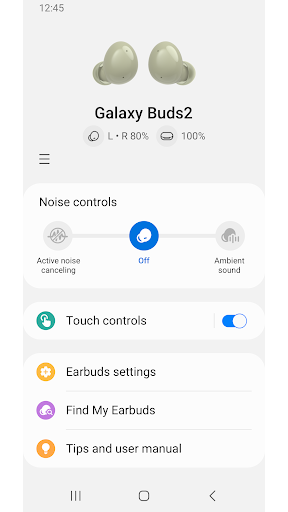
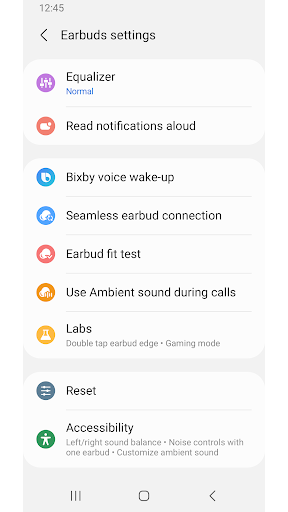
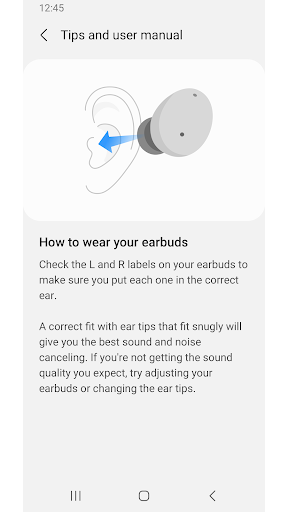
App Description
This app allows you to use features when connected to a Galaxy Buds2 device.
The Galaxy Buds2 Manager allows you to use features such as device settings and status view when connected to a Galaxy Buds2 device.
This application does not work alone because this is a component of the Galaxy Wearable application.
The Galaxy Wearable application has to be installed first for the Galaxy Buds2 Manager application to operate normally.
※ Please allow the permissions of the Galaxy Buds2 Manager in Android Settings to use all the features in Android 7.0 or later.
Settings > Applications > Galaxy Buds2 Manager> Permissions
※ Access permission information
The following permissions are required for the app service. The basic features of the service can be used, even if optional permissions aren't granted.
[Required Permissions]
- Notifications : Purpose for confirming voice notification function
- Contacts : Purpose for confirming Contacts information for voice notification function
- Phone : Purpose for confirming Contacts information for voice notification function
- Calendar : Purpose for checking Calendar information for using voice notification function
- Call logs : Purpose for confirming Call logs information for voice notification function
- Nearby devices : Purpose for confirming to search Buds Devices
[Optional Permissions]
-None
Previously allowed permissions can be reset on Apps menu in device settings after software update.