Make slideshow with music


Make slideshow with music Summary
Make slideshow with music is a ad-supported Android app in Photo And Video by Sertanta. Released in Oct 2018 (7 years ago). It has about 29.3M+ installs and 140.1K ratings with a 4.51★ (excellent) average. Based on AppGoblin estimates, it reaches roughly 135.7K monthly active users and generates around $<10K monthly revenue (0% IAP / 100% ads). Store metadata: updated Mar 13, 2026, version 111.
Recent activity: 129.1K installs this week (135.5K over 4 weeks) showing exceptional growth , and 5.00 new ratings this week View trends →
Data tracking: SDKs and third-party integrations were last analyzed on Mar 5, 2026.
Store info: Last updated on Google Play on Mar 13, 2026 (version 111).
Make slideshow with music was last scanned for SDKs 2026-03-05. Below is the overview of third party companies detected in the app. The full list of raw SDKs, app permissions and unknown SDKs is available here.
 AppLovin
 VK
VK Vungle
 Google
 Yandex
 Unity
Unity AdMob
AdMob Yandex Metrica
 AppMetrica
 Kotlin
 Square
 Firebase
4.51★
Ratings: 140.1K
Screenshots

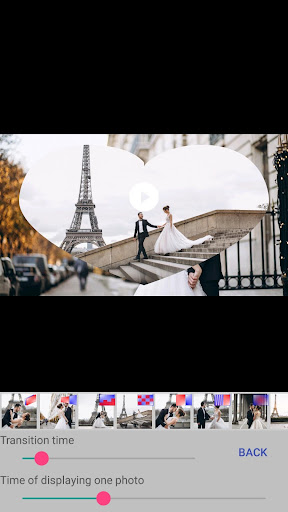
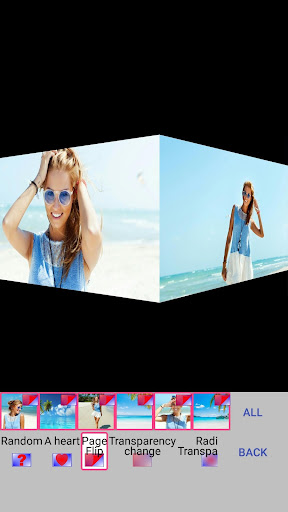
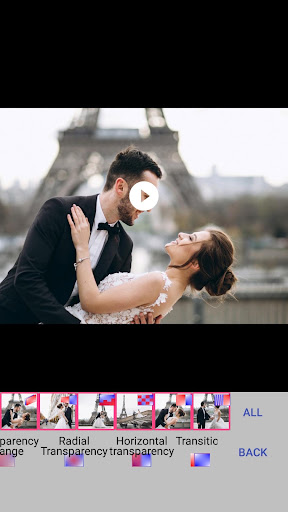
App Description
Make a beautiful video slideshow of your photos with music and text
In the application you can easily create a video slideshow from your photos, add music from your phone and text (if necessary). Videos can be published on social networks, sent to a friend or used as a video screen saver for your channel or group on social networks. Also you can use the finished musical slide show as a gift to family and friends on their Birthday, Wedding Day, Wedding Anniversary, graduation, Mother's Day, Father's Day, New Year, Christmas or other holidays.
The application "Make a video from a photo with music" contains many beautiful transitions: the page turn of the album, cube rotation, mosaic, moving gallery, photo appearance in the heart, change of transparency and others. To a video slideshow, you can add music from your phone or tablet or record your soundtrack. You can set the time for displaying one photo and the transition time. To your video from photos you can add an inscription, adjust the text size, font, color, transparency, position, start and end time of the display of the inscription. You can swap photos (in the "Photos" menu), as well as change the type of cropping photo (do not crop photos, crop to size video, or manually crop).
With us make a beautiful video from photos easily!