SynScan Pro


SynScan Pro Summary
SynScan Pro is a mobile Android app in Tools by Skywatcher Apps Team. Released in Oct 2017 (8 years ago). It has about 115.2K+ installs and 991 ratings with a 2.73★ (poor) average. Based on AppGoblin estimates, it reaches roughly 2.3K monthly active users . Store metadata: updated Nov 8, 2025.
Recent activity: 103 installs this week (1.3K over 4 weeks) showing steady growth View trends →
Store info: Last updated on Google Play on Nov 8, 2025 .
2.73★
Ratings: 991
Screenshots

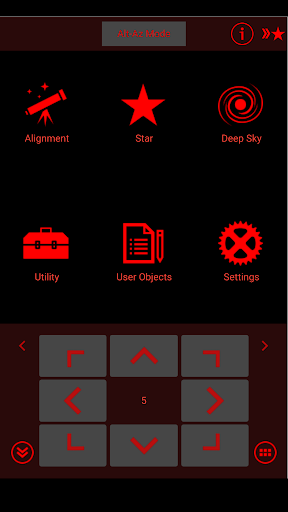
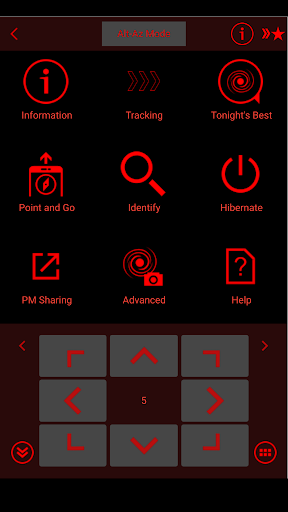

App Description
App to control motorized telescope mounts from Sky-Watcher
Use the SynScan app to control Sky-Watcher telescope mounts via Wi-Fi, USB or Bluetooth LE. Mounts without built-in Wi-Fi can be supported via a SynScan Wi-Fi adapter.
This is the Pro version of the SynScan app and contains features suited for expert users using equatorial mounts.
Features
- Control telescope mount to slew, align, GOTO and track.
- Point And Track: track celestial objects (including the Sun and planets) without aligning.
- Support gamepad navigation.
- Browse a catalog of stars, comets, and deep sky objects. Or, save your own objects.
- Provide access to mount for use by third-party apps, including ASCOM clients, SkySafari, Luminos, Stellarium Mobile Plus, Stellarium Desktop or customer-developed apps.
- Support access to the mount and the SynScan app from any platform that supports TCP/UDP connections.
- Provide emulator mount for testing and practicing.
- Track fast-moving earth satellites by working with the PreviSat app on Windows PC or the Lumios app on iOS devices.
- SynMatrix AutoAlign: use the smartphone camera to align the telescope automatically.
- Perform polar alignment with or without a polar scope.
- Control shutter release (SNAP) port to trigger an attached camera. (Requires mount with SNAP port and adapter cable that matches camera.)
- Use ASCOM to perform autoguiding on mounts that do not have autoguider (ST-4) port.
- Other mount controls: auto home, PPEC, park