Calendar: Schedule Planner


Calendar: Schedule Planner Summary
Calendar: Schedule Planner is a ad-supported, with in-app purchases Android app in Productivity by Diavostar PTE. LTD. Released in May 2022 (4 years ago). It has about 1.5M+ installs and 4.3K ratings with a 4.26★ (good) average. Based on AppGoblin estimates, it reaches roughly 7.5K monthly active users and generates around $<10K monthly revenue (36% IAP / 64% ads). Store metadata: updated Feb 27, 2026.
Recent activity: 203 installs this week (2.1K over 4 weeks) showing steady growth View trends →
Store info: Last updated on Google Play on Feb 27, 2026 .
4.26★
Ratings: 4.3K
Screenshots

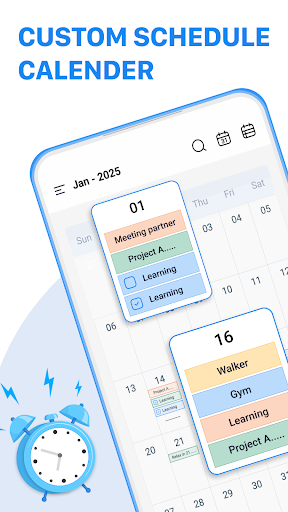
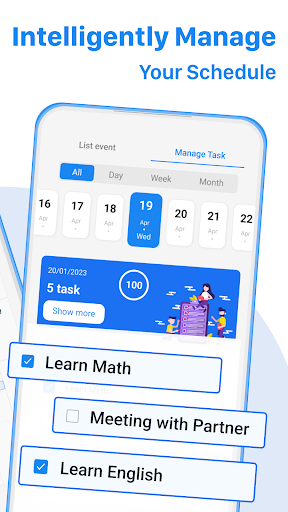
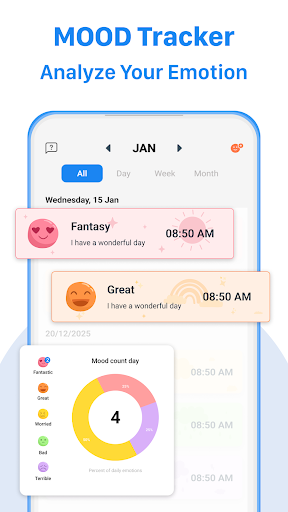
App Description
Check Your Schedule at a Glance
A Smart Calendar app that is a perfect private planner & business calendar to help you schedule and plan your day.
Easily sync Calendar with all your current planners. It inherits the simple and clean look of a calendar but makes it more accessible, powerful and reliable on your android phone. Plan and organize your calender events more easily. Access your Calendar straight after a phone call, and easily add appointments or to - do lists to your schedule.
Everything you need in a calendar app: Calendar planner, schedule & to-do list. It provides an excellent overview of your daily events, is easy to use and gives you a clear overview for planning and scheduling your events and tasks.
To plan , create a to-do list or to add an event with Calendar is simple, as is checking your upcoming agenda on a daily, weekly or monthly basis.
Calendar Features
▪ Manage contacts: link contacts to your schedule
▪ Customizable templates: create your own templates for new meetings / appointments
▪ Multi-selection: delete, move or copy multiple events at once
▪ Schedule planner and task organizer in one app
▪ Clearly designed main views: month, week, year and event
▪ Intuitive navigation with simple swipe gestures between daily and weekly planner
▪ Birthdays and public holidays
▪ Choose your preferred Planner view (month, week, day, agenda widget etc.)
▪ Create a to - do list directly after a call
▪ Get configurable notifications for your appointments
▪ Individual ringtones for different event
▪ Call features that allow you add, follow up schedule calendar dates during and after calls.
Your Unique Calendar Widget
▪ 7 professional calendar widgets
▪ Monthly, weekly, day, tasks, icon and agenda
▪ Adapt each to suit your personal needs