Smart Document Organizer


Smart Document Organizer Summary
Smart Document Organizer is a free, ad-supported Android app in Productivity by apptech_Infotech. Released in Jan 2024 (2 years ago). Store last updated Nov 3, 2025
Smart Document Organizer SDKs Summary
App not yet scanned for SDKs.
0★
Ratings:
Screenshots



App Description
Take pictures of your document with camera and organize them on your phone
Smart Document Organizer is a powerful document management app that helps you organize, store, and access all your important files in one place.
Smart Document Organizer simplifies your document management with an efficient and user-friendly interface. Easily categorize and organize your personal documents for quick and intuitive access.
Take all your important documents with you wherever you go (invoices, personal documents, prescriptions, bank statement, business card, contracts etc.
Offline Access :
- My Docs understands the importance of accessibility. Even without an internet connection, access your documents offline, ensuring you remain productive wherever you are.
Smart Document Organizer premium Features :
- Add/Capture documents from the camera, gallery, PDFs, and text files.
- Access all your important files in one place
- Organize documents into predefined categories or create your own.
- Group category documents with personalized fields (e.g., customer or supplier names).
- Bookmark important documents for quick access in the "Favourite" section.
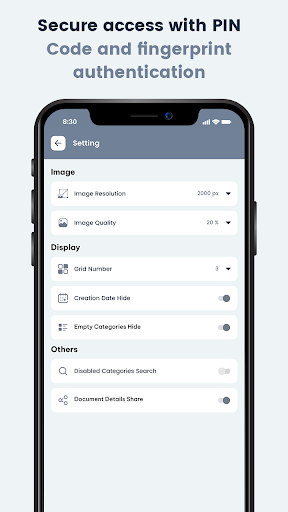
- Secure access with PIN Code and fingerprint authentication.
- View documents in "Normal," "Compact," or "Grid" mode for a personalized experience.
Disclaimer :
- All documents are stored in your local phone only. You can backup and restore your data to your own Google Drive Account.