PDF to Kindle/ePub converter


PDF to Kindle/ePub converter Summary
PDF to Kindle/ePub converter is a ad-supported, with in-app purchases Android app in Books And Reference by SmoothPDF. Released in Jul 2019 (6 years ago). It has about 250.2K+ installs and 935 ratings with a 2.96★ (poor) average. Based on AppGoblin estimates, it reaches roughly 35.6K monthly active users and generates around $<10K monthly revenue (54% IAP / 46% ads). Store metadata: updated Sep 20, 2024, version 39.
Recent activity: 14.2K installs this week (22.6K over 4 weeks) showing exceptional growth View trends →
Advertising: AppGoblin detected 1.00 monetized ad creatives shown inside the app.
Data tracking: SDKs and third-party integrations were last analyzed on Mar 19, 2026. The app's network data flows (API traffic to/from the app and its SDKs) were last crawled on Jul 12, 2025.
Store info: Last updated on Google Play on Sep 20, 2024 (version 39).
PDF to Kindle/ePub converter was last scanned for SDKs 2026-03-19. Below is the overview of third party companies detected in the app. The full list of raw SDKs, app permissions and unknown SDKs is available here.
 AdMob
AdMob Google
 Kotlin
 Flutter
 Firebase
2.96★
Ratings: 935
Screenshots

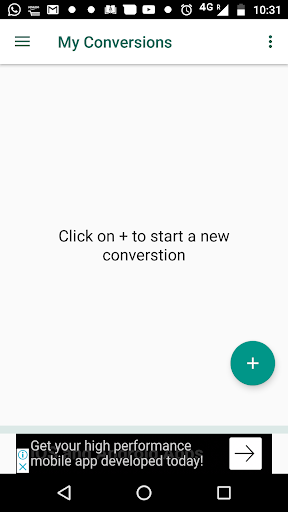
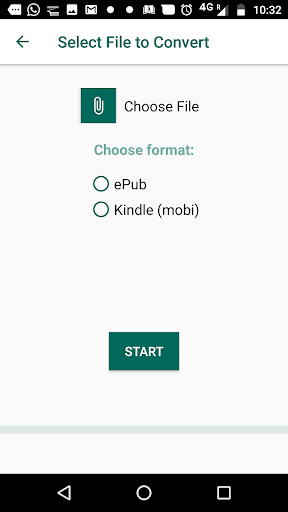
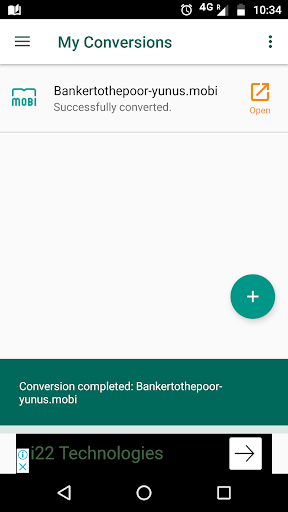
App Description
Convert from PDF to Kindle and ePub format
Bring joy into reading again! Convert files from PDF format to Kindle/ePub format.
SmoothPDF uses advanced AI to understand structure in a PDF document, and make sense of the content. Hence it can identify -
a. Table of Contents
b. Chapter titles
c. Columns
d. Headers/Footers
and much much more
Do use it to make your PDF files much more readable. give us your feedback on support@smoothpdf.com
With the version 0.16 onwards, we have introduced Premium Plans.
With Premium Plan, you can:
1. Receive the epub files directly to your verified email
2. Remove ads
3. Have many simultaneous conversions, without restrictions
In any case, you can always use SmoothPDF without buying Premium Plan. The Free plan is always available, and you can watch a video ad to convert more files.
*IMPORTANT*:
1. SmoothPDF uploads your files to a server, where the files are converted to mobi or epub. Hence a good internet connection is required for the upload and download of files.
2. Size of the PDF file accepted for conversion is limited to 50MB (even for premium accounts). Files larger than 50MB are not accepted by the server.
3. If your file is larger than 50MB, we can handle it offline. Please write to us on support@drawtyme.com
4. SmoothPDF does not support conversion of PDF files in Arabic language yet. We are working on it, and will be issuing a suitable update when the support is ready.
Use of the SmoothPDF app and the SmoothPDF service is subject to SmoothPDF Privacy Policy (https://smoothpdf.com/privacy-policy.html) and Terms of Service (https://smoothpdf.com/terms-of-service.html)