QR Scanner : Barcode Reader


QR Scanner : Barcode Reader Summary
QR Scanner : Barcode Reader is a ad-supported, with in-app purchases Android app in Tools by SR-APP. Released in Apr 2021 (4 years ago). It has about 59+ installs Based on AppGoblin estimates, it reaches roughly 4.00 monthly active users and generates around $<10K monthly revenue (57% IAP / 43% ads). Store metadata: updated Dec 11, 2025.
Recent activity: 1.00 installs this week (3.00 over 4 weeks) showing below average growth View trends →
Store info: Last updated on Google Play on Dec 11, 2025 .
0★
Ratings: 0
Screenshots

App Description
QR Scanner : Barcode Reader QR code generator Barcode scanner
Product features:
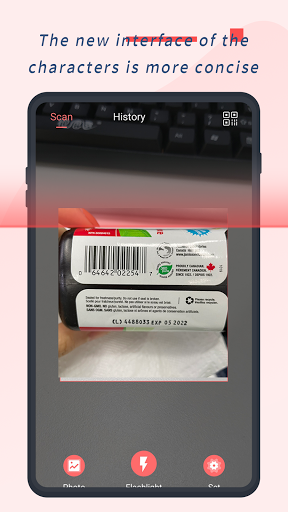
1. Simple and fashionable UI interface
There is no need to press any button. You can scan QR code or bar code in the library
If you are in a low light environment, the flashlight allows you to scan and read QR codes and barcodes
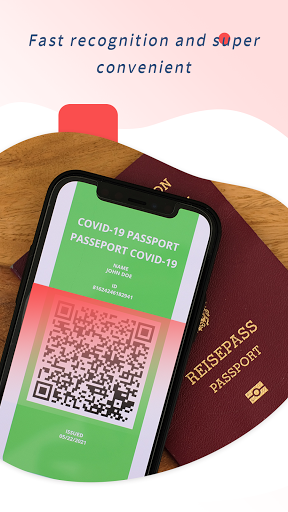
2. The fastest scanning speed
Automatic identification of QR code and bar code
Support all kinds of QR code and barcode scanning
Focus on the pursuit of super fast recognition speed, super high success rate of scanning
Fast, easy, is our consistent design concept
3. Create QR code
QR code website
QR code business card / address book
Text QR code
After the creation is successful, save the album or share it with friends to scan and view the content
【 Explanation on Accessibility Service 】
This application utilizes the accessibility service feature of Android and is only used to implement the following core functions:
[Mobile Desktop Double Click Function]: Provides a quick double-click opening function for the screen, such as: double-click to quickly close the screen, open the notification panel, open applications, etc.
We promise that this service will only operate with your active activation and authorization, and will not be used to collect your personal data, privacy information (such as account, password), or perform any operations unrelated to the claimed functions of the application. You can turn off the permission for this service at any time in the "Settings>Accessibility" section of your phone