Write 3 — Handwritten Notes


Write 3 — Handwritten Notes Summary
Write 3 — Handwritten Notes is a mobile Android app in Productivity by Stylus Labs. Released in Aug 2014 (11 years ago). It has about 114.7K+ installs and 663 ratings with a 4.51★ (excellent) average. Based on AppGoblin estimates, it reaches roughly 622 monthly active users . Store metadata: updated Dec 19, 2021.
Recent activity: 20 installs this week (49 over 4 weeks) showing steady growth View trends →
Store info: Last updated on Google Play on Dec 19, 2021 .
4.51★
Ratings: 663
Screenshots


App Description
Write is a word processor for handwriting.
Write provides a unique set of tools for editing and navigating handwritten documents, plus all the usual features of a vector drawing application. Write is perfect for note-taking, brainstorming, and sketching.
Write now supports online whiteboarding for real-time collaboration - learn more at http://styluslabs.com/share
UNIQUE TOOLS FOR HANDWRITTEN DOCUMENTS
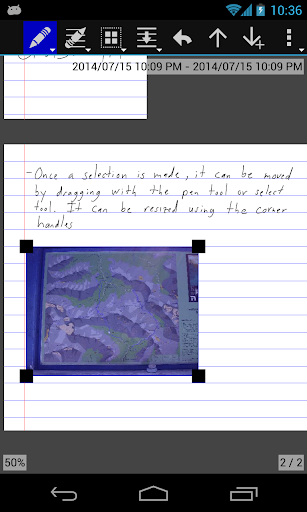
• intelligent tools to select, erase, and move writing
• reflow handwritten text with the insert space tool
• create bookmarks labeled with handwriting
• create handwritten links to bookmarks and websites
• save shapes or anything else as clippings for easy reuse
• unlimited undo/redo jog dial
• disappearing ("ephemeral") pen for presentations
• split view: work on two documents or two parts of the same document
FLEXIBLE AND CROSS-PLATFORM
• Write is also available for Windows, Linux, macOS, and iOS
• non-proprietary SVG file format can be opened in other vector graphics apps and web browsers
• documents are stored as regular files to support backup and sync
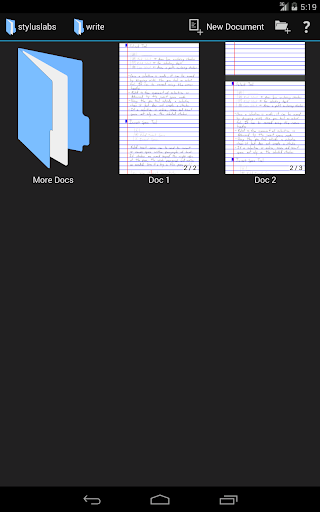
• organize documents with folders (and subfolders!)
• download or create templates: https://github.com/styluslabs/templates
STANDARD NOTE-TAKING AND DRAWING TOOLS
• insert images (and vector content as SVG)
• cut, copy, paste, move, scale, and rotate selections
• customize and save pens
• customize page size, color, and ruling
• pages can grow automatically when writing nears edge
• PDF export
Support:
Resources: http://styluslabs.com/support
Email: support@styluslabs.com