UnInstaller Multiple Apps


UnInstaller Multiple Apps Summary
UnInstaller Multiple Apps is a ad-supported Android app in Tools by SurekhaDeveloper. Released in Jul 2024 (1 year ago). It has about 2.7K+ installs and 17 ratings with a 3.50★ (average) average. Based on AppGoblin estimates, it reaches roughly 178 monthly active users and generates around $<10K monthly revenue (0% IAP / 100% ads). Store metadata: updated Oct 16, 2025.
Recent activity: 43 installs this week (131 over 4 weeks) showing steady growth , and -1 new ratings this week View trends →
Store info: Last updated on Google Play on Oct 16, 2025 .
3.5★
Ratings: 17
Screenshots



App Description
Easily unused apps uninstall, backup and Reinstall.
With Multi-Uninstaller, you can quickly and easily uninstall multiple apps on single click.
App can automatically identifies apps that haven’t been used for past days, helping you to increase storage space and keep your device Storage-clean.
Also have Multiple App Backup file in just one click and store backup APK for feature installation.
Main Features:
Multiple Uninstall: Remove multiple apps simultaneously with just a single taps, making app cleanup faster and more efficient.
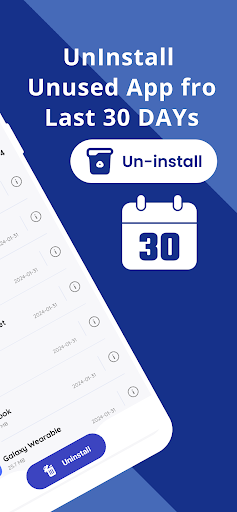
Unused App Removal: Automatically identify apps that haven't been used for past days, helping you clean up valuable storage space and keep your device Storage-clean.
Smart Sorting: Organize your apps in ascending or descending order based on install date, size, or alphabetically from A to Z to find what you need quickly.
Detailed App Info: Access complete details about each app, including installation date, size, and permissions, so you can make informed decisions about what to keep or remove.
Uninstall History: Keep a record of all uninstalled apps and easily reinstall them later if needed, with a simple and straightforward process.
APK Backup: Backup APK files for multiple apps at once, ensuring you can restore them whenever necessary without having to re-download.
Backup Storage: Store your backed-up APKs within the app for convenient future access, sharing, and re-installation.
With Multi-Uninstaller, you can easily manage, organize, and optimize your apps, making your device run more smoothly and efficiently.