Disable Faulty Headset Jack


Disable Faulty Headset Jack Summary
Disable Faulty Headset Jack is a ad-supported Android app in Tools by JNGdev. Released in Oct 2021 (4 years ago). It has about 8.3K+ installs and 66 ratings with a 2.75★ (poor) average. Based on AppGoblin estimates, it reaches roughly 754 monthly active users and generates around $<10K monthly revenue (0% IAP / 100% ads). Store metadata: updated Aug 13, 2025.
Recent activity: 1.00 installs this week (8.00 over 4 weeks) showing steady growth View trends →
Store info: Last updated on Google Play on Aug 13, 2025 .
2.75★
Ratings: 66
Screenshots

App Description
Disable your faulty earphone jack & play music through the speaker.
Having an issue with a faulty headphone jack? Does the phone get stuck on headphones connected? Headphone symbol on phone won't go away? Want to enable speaker sound? Want to force your audio output to switch to headphones and speakers when stuck? Always shows headphones symbols without connecting it? Do you have an issue with your headphones?
If this issue occurs in your device, then we bring the solution for you. Install Switch Speaker & Earphone- Disable Faulty Headset app and app will help you to enable speaker while faulty headphone jack.
Some mobile devices show headsets or headphones plugged in, but are unable to connect an earphone to the device. Enable speaker is the solution to these issues. This app Set Voice output to Headset or Set Voice output to Speaker when having an issue regarding the earphone jack. With the Fix Earphone Jack app, you can Audio Switch between speaker and headset.
The app helps you to remove the headphone symbol from the Phone Status bar. Switch Speaker & Earphone- Disable Faulty Headset app is simple and easy to use.
📢 How to use this app?
1. Enable the service.
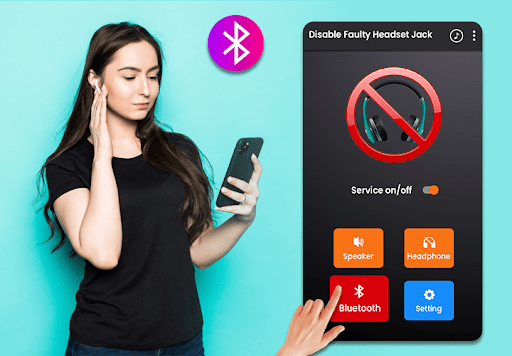
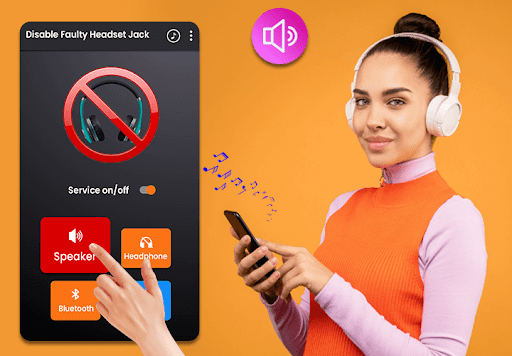
2. click on speaker when no sound on speaker while Earphone jack stuck or use a Bluetooth device.
📢 Setting
- You can disable notification sound.
- You can enable autostart after restarting the device.
🎧 Features:
- Switch output to Speaker Button
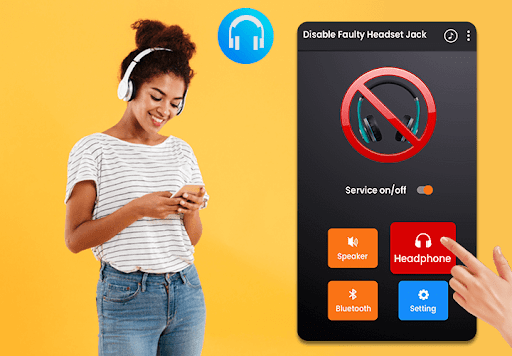
- Switch output to Headset Button
- Easy access to enable/disable from notifications
- Useful for Faulty headset jack or easy toggle
- Enable Speaker While Faulty headphone jack
- Helps to remove headphone symbol from Phone Status bar
Download Disable Faulty Headset Jack app and play all sound through the device speaker.