Photo Blur - mosaic editor


Photo Blur - mosaic editor Summary
Photo Blur - mosaic editor is a ad-supported Android app in Photo And Video by tanocee, Inc.. Released in Sep 2023 (2 years ago). It has about 3.7K+ installs Based on AppGoblin estimates, it reaches roughly 162 monthly active users and generates around $<10K monthly revenue (0% IAP / 100% ads). Store metadata: updated May 16, 2026.
Recent activity: 86 installs this week (324 over 4 weeks) showing steady growth View trends →
Store info: Last updated on Google Play on May 16, 2026 .
0★
Ratings: 0
Screenshots

App Description
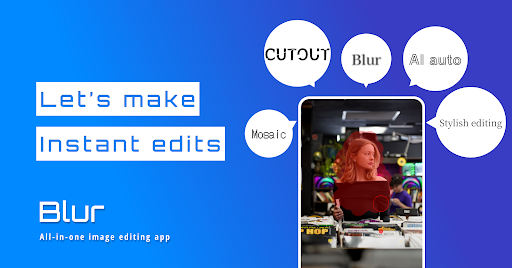
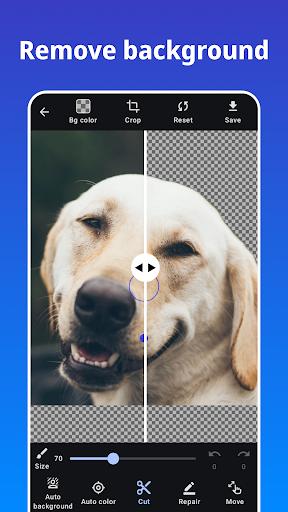
With Photo Blur you can create mosaic photo, remove background automatically.
Photo Blur is a picture blur tool to make your photo blur effects.
And also can crop/cut photo as a photo editor. You can easily to draw blur and mosaic effect on your photos by using our app.
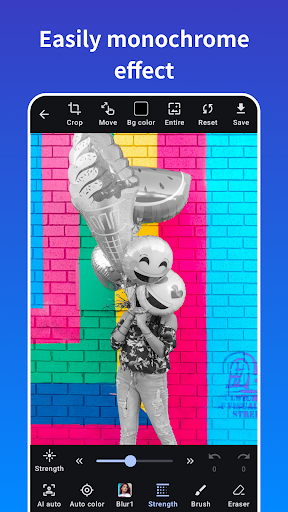
Photo Blur can automatically crop the background, blur and mosaic the background, and easily process photos with only the background in a single tap.
The face recognition function allows you to blur and mosaic faces with a single tap, even in photos with multiple people in the picture. Personal information such as faces, car license plates, and private information can be hidden by blur or mosaic using Photo Blur to support safe sharing of images on social networking sites.
Photo Blur provides multiple effects for blur or mosaic your photo such as median blur (like stylish and cool effect). And you can use all of them for free.
Features of Photo Blur:
- Blur and mosaic on photos
- Automatically blur and mosaic on photos
- One-tap blur feature with automatic face detection.
- Image cropping.
- Zoom image while editing.
- Eraser tool.
- Adjust the strength of effects.
- crop/cut photos
- Automatically crop/cut background
Types of Effects:
- Gaussian Blur.
- Median Blur.
- Box Blur.
- Mosaic.