CPP Viewer: CPP Editor


CPP Viewer: CPP Editor Summary
CPP Viewer: CPP Editor is a ad-supported Android app in Tools by techanies. Released in Jun 2023 (3 years ago). It has about 8.7K+ installs Based on AppGoblin estimates, it reaches roughly 891 monthly active users and generates around $<10K monthly revenue (0% IAP / 100% ads). Store metadata: updated Apr 15, 2026.
Recent activity: 24 installs this week (139 over 4 weeks) showing steady growth View trends →
Store info: Last updated on Google Play on Apr 15, 2026 .
0★
Ratings: 0
Screenshots

App Description
Cpp reader and editor is used to view c/c++ code and convert cpp to pdf.
Cpp Viewer and Cpp editor is very useful tool that is used to view and edit c/c++ code easily. This valuable tool allows programmers to quickly and easily view and edit c/c++ code from cpp files. By using this Cpp reader, programmers can efficiently work with c/c++ code and improve their coding productivity. It is very helpful for the beginners who want to learn c/c++ programming.
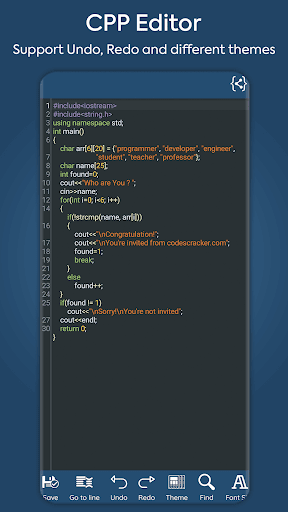
CPP Viewer is a powerful code editing tool that supports a wide range of features, including undo, redo, auto code suggestion, auto code completion, find and replace etc.
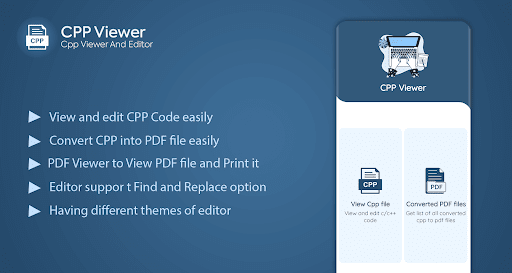
CPP Reader is a handy tool that not only allows you to read cpp files, but also convert cpp to pdf and view any pdf file through its built-in PDF Viewer. This makes it an ideal tool for those who need to read cpp files on a regular basis or for those who need to convert cpp files to pdf for distribution or archival purposes.
Features of CPP Viewer
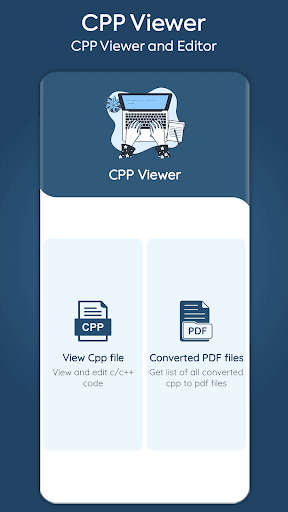
1.View and edit any cpp file easily
2.Convert CPP to PDF file
3.View any PDF file through its built-in PDF Viewer
4.Having different editor themes
5.Support find and Replace, Undo, Redo, auto suggestion etc
6.Easy to share file
Different people have different preferences for the looks of their code editor. Some like their code editor to be as simple as possible, while others prefer it to be more colorful and visually appealing. Personally, I think that the CPP editor's different editor themes are a great way to make your code more beautiful. The different syntax highlighting really make the code pop and make it more enjoyable to work with.
The CPP file reader also supports undo, redo, find and replace, which helps the developer more while editing code. This feature is very helpful for developers who want to make sure their code is error-free and compliant with the latest standards.
Thank you for using our cpp file opener. If you like it, please support us by providing positive feedback. This will help us continue to develop and improve the cpp viewer. Thank you for your support!