Voice Notes - Speech to Text


Voice Notes - Speech to Text Summary
Voice Notes - Speech to Text is a ad-supported Android app in Tools by Tool Utility devloper. Released in Jun 2018 (7 years ago). It has about 5.3K+ installs Based on AppGoblin estimates, it reaches roughly 1.00 monthly active users and generates around $<10K monthly revenue (0% IAP / 100% ads). Store metadata: updated Jun 26, 2018.
Store info: Last updated on Google Play on Jun 26, 2018 .
0★
Ratings: 0
Screenshots


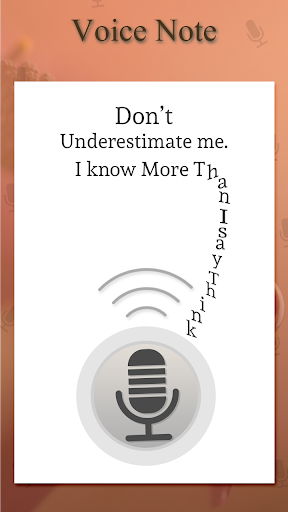
App Description
Smart way to make text note with your voice.
Voice Notes is a very useful and smart way to save text on notepad with your voice.
Voice Notebook - speech to text app that helps you type all your personal notes by simply talking to it. say your important notes with your own way and save with simple click.Voice notes - quick recordinghave also facilities to save your voice records in application personal "NOTES" you have also choice to add notes with many option.
Speech note - Speech To Text Notes provide you to reminder with date and time.it will also save and share your notes with social websites via your smartphones.Voice to Text Note have you can also delete your audio and text notes with your wish.you have also edit choice to add notes.
Features
# Create Notes on a single touch.
# Speak that you want to type.
# Use voice commands to delete a word, go to next line, full stop, comma, etc.,
# Pause in between typing notes.
# Save your notes and you may continue typing again later.
# Also one touch easily to share voice-to-text to friends.
# View notes with search button.
Voice Note have some simple process like .....
# Display this Voice Notebook - speech to text application in your smart device.
# Start with make your notes.
# You have two way to save your notes ...
1) voice to text
2) Audio recording
# This two are amazing way to save your text notes in app personal folder "Notes"
# You will also set your reminder with date saving and with time saving.
# You have also choice to delete your notes.
# You can also edit your notes if you wish to add any more wish or text.
# Share your notes with your friends and employee with simple click on social sides.