Clap To Find Phone-Whistle


Clap To Find Phone-Whistle Summary
Clap To Find Phone-Whistle is a ad-supported Android app in Tools by TotalTechApps. Released in May 2017 (9 years ago). It has about 261.1K+ installs and 547 ratings with a 3.63★ (average) average. Based on AppGoblin estimates, it reaches roughly 7.2K monthly active users . Store metadata: updated Sep 23, 2023.
Recent activity: 3.00 installs this week (12 over 4 weeks) showing steady growth View trends →
Store info: Last updated on Google Play on Sep 23, 2023 .
3.63★
Ratings: 547
Screenshots


App Description
Whistle or Clap your hand to check where your smart phone is
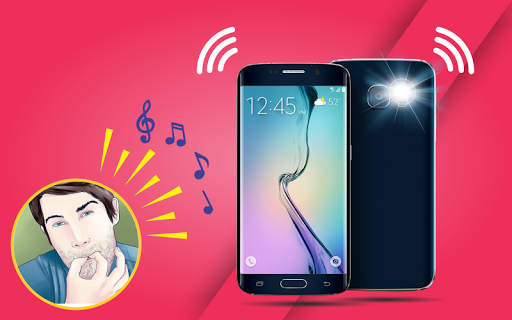
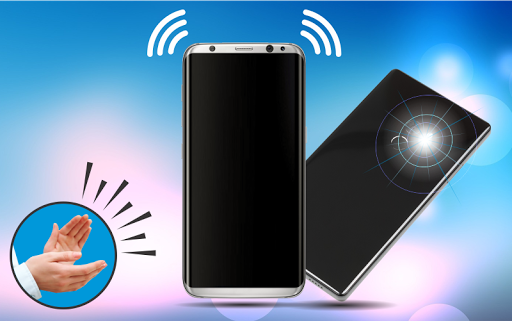
Don’t be worry about your mobile if you have ever lost phone or can't find your phone in your bag, room, office, drawer or car and you couldn't find it, then don’t waste your time, download Clap to Find Phone (whistle to find) and then just clap your hands or You only have to whistle your phone. And your phone will start vibrating, emitting a loud sound and shining a bright camera flashlight of the mobile.
Clap to phone finder or whistle to finder is great application helping you when you forgot your phone location.
Features
👏 Quickly clap 3 times to configure and get started.
👏 Sound/Vibrate/Flash alert modes.
👏 Find phone through Clap.
👏 Find phone through Whistle.
👏 Auto start loud ringing when phone is put on silent.
👏 Customizable ringtone, volume, Vibration and Flashlight.
How does it work?
Once you installed Clap to Find or Whistle to find open application
click on Toggle button to Enable Clap to Find . after that click on Setting Button .
Vibration:
The telephone will start vibrating at the moment of Clap or whistle detection.
Torch/light:
Application will start the flashlight of the camera, which will make finding the phone easier and faster.
Notification:
Choose the notification sound, which will be played when the phone is found. Beside the kind of played melody, you can also set volume of played notification to maximum to hear your phone from afar.
Clap to Find:
Application will start detection only on Clap.
Whistle to Find:
Application will start detection only on Whistle.