Keep Screen Always On Caffeine


Keep Screen Always On Caffeine Summary
Keep Screen Always On Caffeine is a ad-supported, with in-app purchases Android app in Productivity by Turpurum. Released in Sep 2019 (6 years ago). It has about 94K+ installs and 513 ratings with a 4.25★ (good) average. Based on AppGoblin estimates, it reaches roughly 2.7K monthly active users and generates around $<10K monthly revenue (68% IAP / 32% ads). Store metadata: updated Jan 7, 2026, version 170.
Recent activity: 130 installs this week (8.4K over 4 weeks) showing exceptional growth , and 2.00 new ratings this week View trends →
Data tracking: SDKs and third-party integrations were last analyzed on Aug 28, 2025. The app's network data flows (API traffic to/from the app and its SDKs) were last crawled on Aug 27, 2025.
Store info: Last updated on Google Play on Jan 7, 2026 (version 170).
Keep Screen Always On Caffeine was last scanned for SDKs 2025-08-28. Below is the overview of third party companies detected in the app. The full list of raw SDKs, app permissions and unknown SDKs is available here.
 Yandex Metrica
 devtodev
 AppMetrica
 Greenrobot
 Sentry.io
 Google
 Unity
Unity ByteDance
 ironSource
 InMobi
 Facebook
 AppLovin
 AdMob
AdMob GameAnalytics
 Firebase
 Keepsafe
4.25★
Ratings: 513
Screenshots

App Description
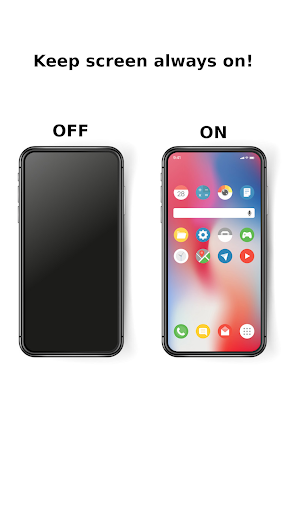
Keep your display alive and always on caffeine! Control screen brightness work!
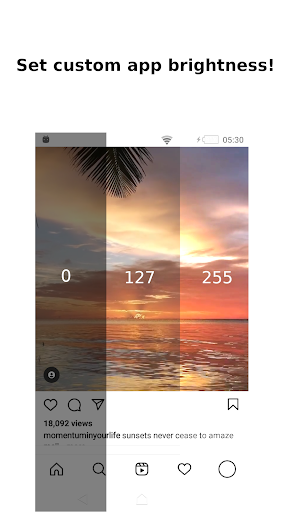
Enhanced per app brightness control and screen backlight control on Android.
Keep screen always on in the apps of your choice!
You still use darker screen brightness to save your battery and you move your screen brightness up to get bright picture in your games, Instagram or Pinterest?
Never more!
Let the “Keep Screen Always On Caffeine” do that work for you! (And it will be done automatically and for free!)
See the attached video for example of work.
Features:
• Simple user interface designed for ease of use.
• Lux auto brightness control & brightness dimmer for any app
• Keep always on display in the apps of your choice!
• Do you select stay alive caffine app for your screen or decrease brightness and dim my screen brightness?
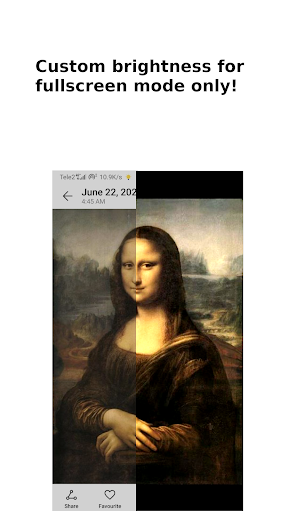
• New cool feature - apply custom brightness only while the app in fullscreen mode. Try it with Instagram, Pinterest, Google Photos or Youtube and see for yourself.
• See the current screen lux in notification panel and go straight to brightness settings of currently active app from notification panel.
• Screen brightness control service which starts at boot.
• Using small memory footprint.
Premium features:
• Ad free
• Set the per app brightness and keep screen on for unlimited number of apps!