WiFi Calling - Pro


WiFi Calling - Pro Summary
WiFi Calling - Pro is a ad-supported Android app in Tools by Visualizer Vision. Released in Apr 2021 (5 years ago). It has about 10.1K+ installs and 81 ratings with a 4.10★ (good) average. Based on AppGoblin estimates, it reaches roughly 512 monthly active users and generates around $<10K monthly revenue (0% IAP / 100% ads). Store metadata: updated May 5, 2023.
Recent activity: 32 installs this week (139 over 4 weeks) showing steady growth View trends →
Store info: Last updated on Google Play on May 5, 2023 .
4.1★
Ratings: 81
Screenshots


App Description
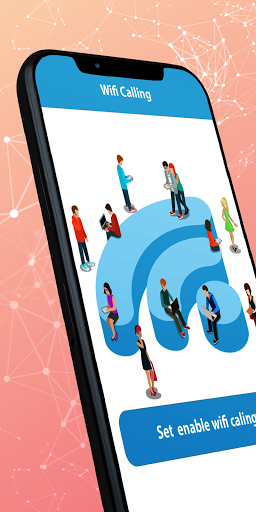
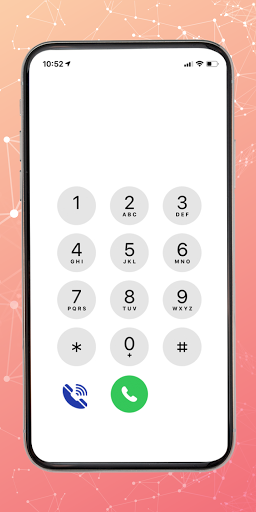
Users can do voice calls over the internet using Wi-Fi.
- Wifi Calling-Pro is an app where users can do voice calls over the internet using WiFi.
- When you enter the weak network area WiFi Calling very use full. For example, you have no network available do not worry you connect outside the source network like a library, restaurant, office, etc. Wifi calling able to work and now you can call your family members and your friends enjoy.
- All four major US carriers (T-Mobile, Sprint, AT&T, and Verizon) provide built-in Wi-Fi calling. Republic Wireless and Google Project Fi provide Wifi calling on certain phones too. The former carries eight Android phones, while five phones (including the Google Pixel, Pixel XL, and Nexus 6P) work on the latter. Republic Wireless gets support from Sprint's network if a connection is unavailable, while Google uses T-Mobile, Sprint, and US Cellular. All T-Mobile phones offer Wi-Fi calling built-in. As for Sprint, Wi-Fi calling is available on a number of iPhone models that run iOS 9.1 or higher. Several Android devices have the service as well, but you'll need to check through your phone's Settings menu to see if you have it.!!
*What is WiFi calling?
-You can make voice calls via a Wi-Fi network. That means using a Wi-Fi connection you have set up at the office, or whatever Wi-Fi hotspot you happen to be on when you're out and about, such as at a cafe or library. In most ways, it's like any other phone call, and you still use regular phone numbers.!!
*Why need the APP?
- Today, Many retail mobiles have a "Wifi Calling" function but not any menu entry to enable it, The APP can check the hidden function and enable it if can use.
*How to use the Wifi Calling?
1.Start the app and click "Wifi Calling Setting"
2.Click "WLAN calling"
3.Click "ENABLE" WLAN calling
4.Click "WLAN preferred"
5." Wifi Calling" is enabled!
6.Now you can enjoy unlimited free voice calls over the internet.
*Notes
- If any query in this feature and any suggestions your side send mail below id
Email Id: visualizer.vision@gmail.com