FML Browser


FML Browser Summary
FML Browser is a free, ad-supported Android app in Tools by Patwary Jawad Rahman. Released in Aug 2020 (6 years ago). It has about 419+ installs and 5.00 ratings . Based on AppGoblin estimates, it reaches roughly 16 monthly active users and generates around $<10K monthly revenue (0% IAP / 100% ads). Store last updated Nov 1, 2022
Recent activity: 1.00 installs this week (3.00 over 4 weeks) showing steady growth View trends →
FML Browser SDKs Summary
App not yet scanned for SDKs.
0★
Ratings: 5.00
Screenshots


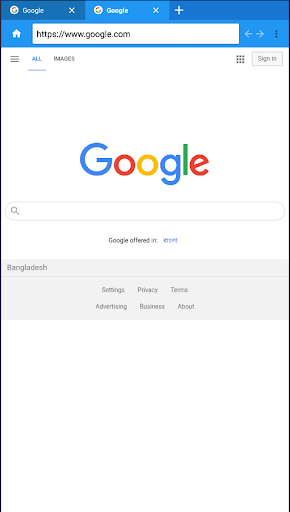

App Description
FML is a Fast and Secure Browser
FML Browser is a open source free android web browser. If you have an android smart-phone you can download it and use it. It is user friendly,safe and secure browser. The browser has in-build incognito tab for private browser mode. The browser also have updated news tab build in it. Some of the well-known and daily use website address also add in the homepage window.
Save up to 90% of your data and browse faster, even on slow networks, without disrupting your browsing experience. Easily check the status of your daily data savings while FML's Smart Browsing automatically selects the browsing mode for your optimal experience. Catch up on both local and global trending news specially tailored for your interests. The rebooted news feed within the FML browser is powered by our powerful AI news engine. Follow your favorite channels to see topics personalized for you. Easily save news stories and any web-pages to your phone while connected to Wi-Fi and read them later offline without using data. You can also choose to automatically refresh news whenever you are on Wi-Fi and easily manage the saved files. Access them quickly by adding a shortcut to Offline Reading in your navigation bar. Switch up the way you search or assign your favorite search engine as default.