Photo Resize and converter

Photo Resize and converter Summary
Photo Resize and converter is a ad-supported Android app in Photo And Video by Rahul Thorat. Released in Feb 2024 (2 years ago). It has about 14+ installs Based on AppGoblin estimates, generates around $<10K monthly revenue (0% IAP / 100% ads). Store metadata: updated Apr 8, 2025.
Store info: Last updated on Google Play on Apr 8, 2025 .
0★
Ratings: 0
Screenshots

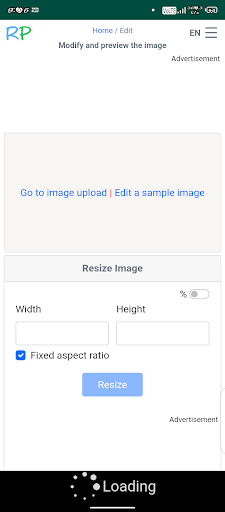


App Description
use an image editing tool like Photoshop
To resize a photo and convert its file size from megabytes (MB) to kilobytes (KB), you can follow these steps:
1. **Choose an Image Compression Tool:** Utilize an image compression tool or an image editing software like Photoshop or online platforms such as TinyPNG.
2. **Open the Photo:** Load your photo into the chosen tool.
3. **Resize the Image:** Follow the previous instructions for resizing the image, adjusting both dimensions and resolution. Reducing dimensions and resolution will often decrease file size.
4. **Save As a New File:** Save the resized image as a new file to preserve the original. This process might automatically reduce the file size.
5. **Use Online Compression Tools:** If needed, further compress the image using online tools like TinyPNG or JPEG-Optimizer. These tools often allow you to set a target file size in kilobytes.
By combining resizing and compression, you can effectively reduce the file size from megabytes to kilobytes while maintaining image quality to an acceptable level for your needs.