Analog Basic 6 EN Wear OS 5+


Analog Basic 6 EN Wear OS 5+ Summary
Analog Basic 6 EN Wear OS 5+ is a mobile Android app in Personalization by OQ Watchfaces. Released in Jun 2022 (4 years ago). It has about 83K+ installs and 935 ratings with a 3.97★ (average) average. Based on AppGoblin estimates, it reaches roughly 783 monthly active users . Store metadata: updated Jan 14, 2026, version 1004.
Recent activity: 198 installs this week (667 over 4 weeks) showing steady growth , and 3.00 new ratings this week View trends →
Data tracking: SDKs and third-party integrations were last analyzed on May 31, 2026. The app's network data flows (API traffic to/from the app and its SDKs) were last crawled on Nov 20, 2025.
Store info: Last updated on Google Play on Jan 14, 2026 (version 1004).
SDKs, Trackers & Permissions
Analog Basic 6 EN Wear OS 5+ was last scanned for SDKs 2026-05-31. Below is the overview of third party companies detected in the app. The full list of raw SDKs, app permissions and unknown SDKs is available here.
AppGoblin saw Analog Basic 6 EN Wear OS 5+ uses 5 Development Tools
 Kotlin
 Google
 JetBrains IntelliJ
 JetBrains
AppGoblin saw Analog Basic 6 EN Wear OS 5+ uses 1 Analytics: Product
 Firebase
App Details
App Store
Ads & App-Ads.txt
AppGoblin SDK Scans
3.97★
Ratings: 935
Screenshots
App Description
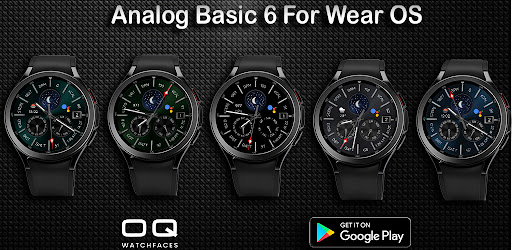
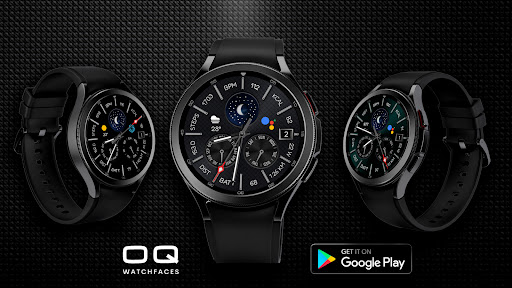
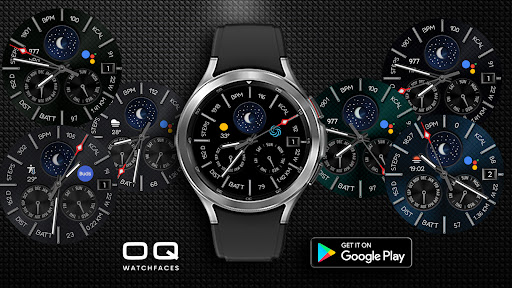
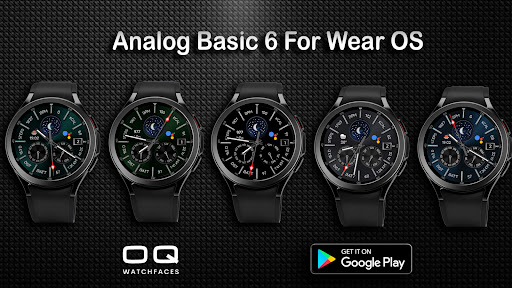
Analog Watch face for wear OS 5+ with lots of customization and information.
=======================================================
NOTICE: READ THIS ALWAYS BEFORE AND AFTER DOWNLOADING OUR WATCH FACE TO AVOID ANY SITUATION YOU DON'T LIKE.
=======================================================
This watch face for WEAR OS has been made in latest released Samsung Galaxy Watch face studio V 1.9.5 which is still evolving and has been tested on Samsung Watch Ultra, Watch 8 Classic , Samsung Watch 5 Pro, and Tic watch 5 Pro. It also supports all other wear OS 5+ devices. Some feature experience can be slightly different on other watches.
This watch face for WEAR OS 5+ devices has following features :-
1. All rotating text is available only in 1 Language English.
2. The sphere with moon shows the phases of the moon please see screen previews.
3. Tap on Date text to open calendar app.
4. Tap on BPM Text or BPM Numerical value to open Heart Rate Counter on watch.
6.Tap on Days in Year Text present on the left of Steps text to open watch dialer.
7. Tap on Km/Miles Text to open messages app
8. Please Note Watch face supports both Km/Mile. If language selected on connected watch or phone is UK or US Language it will show distance in miles otherwise it will show in km.
9. 7 x watch background colors are available for both AoD and Main separately customizable via watch face customization menu.
10 2 x Dim Modes are available in watch face customization menu.
11. 6 x customizable complications are available in watch face customization menu.