GOT7 LIGHT STICK


GOT7 LIGHT STICK Summary
GOT7 LIGHT STICK is a mobile Android app in Entertainment by FANLIGHT. Released in Oct 2018 (7 years ago). It has about 98.7K+ installs and 1.2K ratings with a 4.37★ (good) average. Based on AppGoblin estimates, it reaches roughly 319 monthly active users . Store metadata: updated Jun 12, 2019.
Recent activity: 4.00 installs this week (20 over 4 weeks) showing steady growth , and -1 new ratings this week View trends →
Store info: Last updated on Google Play on Jun 12, 2019 .
4.37★
Ratings: 1.2K
Screenshots

App Description
This is a mobile App for GOT7 OFFICIAL LIGHT STICK 2018.
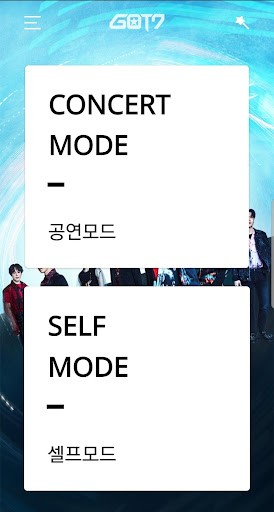
1. CONCERT MODE
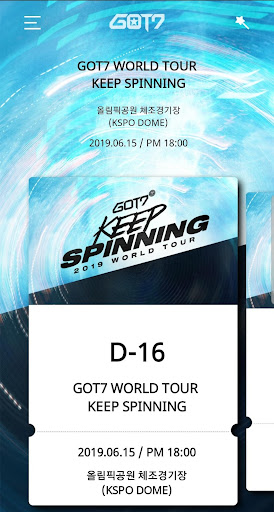
Select CONCERT MODE after completing registration of your ticket information on the App. You can enjoy various stage productions through light sticks.
2. CONNECTING WITH BLUETOOTH ON YOUR SMARTPHONE
Turn the switch down on the light stick to set it to Bluetooth mode.
Turn on the Bluetooth on your smartphone and place your smartphone close to connect them.
3. SELF-MODE
After connecting with your smartphone with Bluetooth, touch a color you want on the screen. The light stick color will change accordingly.
4. BATTERY CHECK
While on “SELF MODE”, select “SETTING” on the top right of the screen to check the battery condition of your light stick. Check if you need to replace the battery.
[CONCERT GUIDELINES]
- Check your seat information on your ticket before the concert and enter it on the light stick in advance.
- Please be seated in the same seat where you registered for the light stick. Moving to a different seat may cause different stage appearance.
- Check the light stick battery in advance to prevent turning off during the concert.
- For light stick stage production, be sure to have the light stick that is registered via mobile App and set the light stick switch on “CONCERT MODE”.