Screenshot Capture Editor


Screenshot Capture Editor Summary
Screenshot Capture Editor is a ad-supported Android app in Tools by Jose Barlow. Released in Mar 2024 (2 years ago). It has about 4K+ installs Based on AppGoblin estimates, it reaches roughly 145 monthly active users and generates around $<10K monthly revenue (0% IAP / 100% ads). Store metadata: updated Mar 4, 2024.
Recent activity: 3.00 installs this week (20 over 4 weeks) showing declining growth View trends →
Store info: Last updated on Google Play on Mar 4, 2024 .
0★
Ratings: 0
Screenshots

App Description
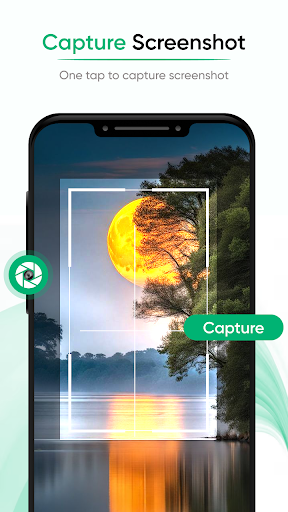
Capture screenshots easily with the floating button via Screenshot Capture App.
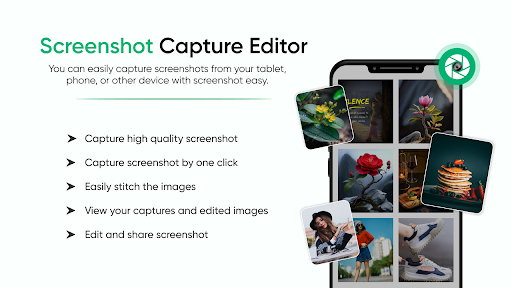
Screenshot Capture Editor allows a simple way to easily capture any screenshot and record a video clip using just a floating button. Now capture every moment you want to capture for games, videos, and many more documents by trying this Screenshot Capture Editor App. Now record the game shot instantly with the screen recorder option. Save all your captured images and videos into my creation folder and share them with anyone using the share button.
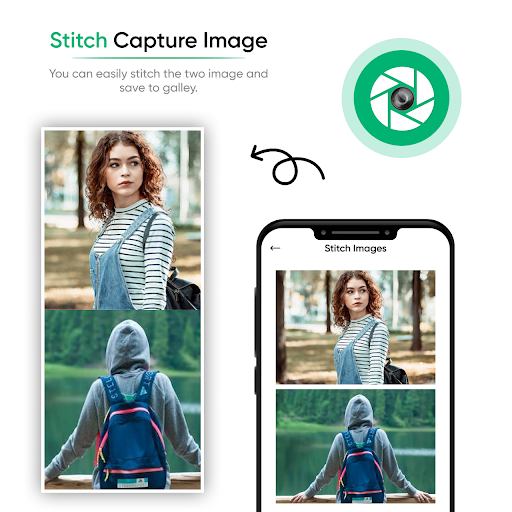
Screenshot Capture Editor captures screenshots in your selected format, including JPG, PNG, and JPEG. Easily stitch one or more photos using the Stitch photo tool. Use the methods of screenshot capture and screen recording by just using the float button. Screenshot Capture Editor is one of the quickest ways to capture screenshots by just tapping the floating button on your device. It is simple and easy to use, and floating objects are easy to move on the screen to capture anything you want.
FEATURES:
Easy to take Screenshot and edit screenshots
Use float button to take Screenshot easily
Easy to move screenshot and screen recorder float button
Easily, you can move and adjust the float button on the mobile screen
All screenshots are saved in my creation folder
It is easy to turn off the screenshot button settings
Capture screenshots by touch
Stitch photo option available to stitch your choice screenshot in one manner
Easy to save and share with your friends
Nice app with a clear UI design