開発者隠し USBデバッグをOFFにしてアプリ起動


開発者隠し USBデバッグをOFFにしてアプリ起動 Summary
開発者隠し USBデバッグをOFFにしてアプリ起動 is a mobile Android app in Tools by takusan_23. Released in Oct 2021 (4 years ago). It has about 1.1K+ installs Based on AppGoblin estimates, it reaches roughly 46 monthly active users . Store metadata: updated Aug 26, 2023.
Recent activity: 4.00 installs this week (14 over 4 weeks) showing above average growth View trends →
Store info: Last updated on Google Play on Aug 26, 2023 .
0★
Ratings: 0
Screenshots

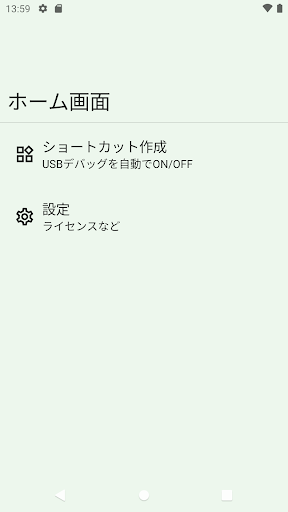

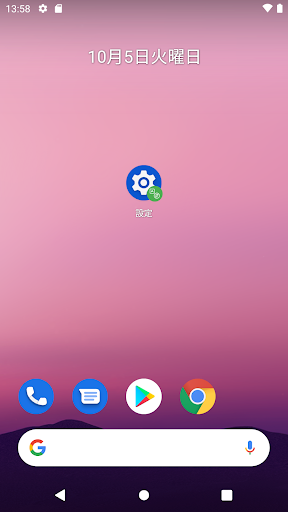
App Description
For apps that won't start when USB debugging is enabled, create a shortcut for the app you want to start and disable USB debugging before starting.
For apps that won't launch if USB debugging is enabled, create a shortcut for the app you want to launch and disable USB debugging before launching.
Return USB debugging when the app is closed.
Besides USB debugging, you can also disable developer options.
Please enable it from the settings.
Before using this app, you need to connect to a PC, open a terminal and enter the following command to grant permissions.
adb shell pm grant io.github.takusan23.developerhide android.permission.WRITE_SECURE_SETTINGS
Source code: https://github.com/takusan23/DeveloperHide