AirStationアプリ (旧StationRadar)


AirStationアプリ (旧StationRadar) Summary
AirStationアプリ (旧StationRadar) is a mobile Android app in Tools by BUFFALO INC.. Released in Sep 2013 (12 years ago). It has about 2M+ installs and 3.7K ratings with a 4.27★ (good) average. Based on AppGoblin estimates, it reaches roughly 95.5K monthly active users . Store metadata: updated Mar 12, 2026, version 30702.
Recent activity: 5K installs this week (21.2K over 4 weeks) showing steady growth , and 32 new ratings this week View trends →
Data tracking: SDKs and third-party integrations were last analyzed on Jun 2, 2026. The app's network data flows (API traffic to/from the app and its SDKs) were last crawled on Oct 18, 2025.
Store info: Last updated on Google Play on Mar 12, 2026 (version 30702).
SDKs, Trackers & Permissions
AirStationアプリ (旧StationRadar) was last scanned for SDKs 2026-06-02. Below is the overview of third party companies detected in the app. The full list of raw SDKs, app permissions and unknown SDKs is available here.
 Firebase
 Google
 Square
App Details
App Store
Ads & App-Ads.txt
AppGoblin SDK Scans
4.27★
Ratings: 3.7K
Screenshots

App Description
“AirStationアプリ” lets you easily find and manage your AirStation.
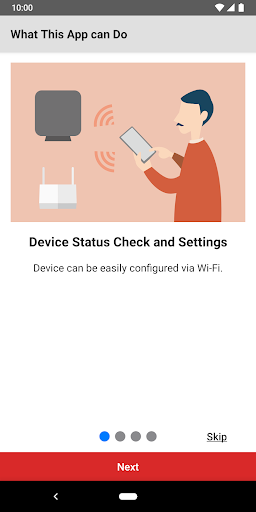
You can set up, configure, and adjust the settings of the AirStation* through this app.
• Make sure your mobile device is connected to the same Wi-Fi network as the AirStation when using this app. If your AirStation supports remote access, you can also use the app from outside your local network.
• Product features may vary depending on the AirStation model. For more details, refer to the product package or visit the product page on our website.
Version 4.0 Features:
○ Setup
The app allows you to set up the following:
• Wi-Fi router
• Wi-Fi extender
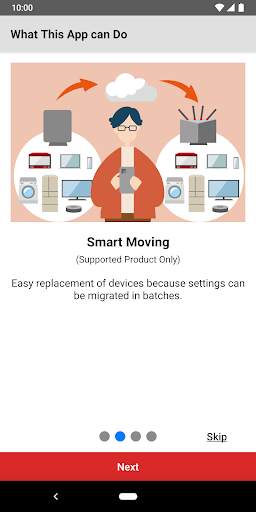
• Migration of Wi-Fi router settings through the settings backup function
• Activation of Internet Security/Internet Security 2 feature
You can now set up your AirStation as a Wi-Fi router or Wi-Fi extender by following the on-screen instructions.
○ Administration
You can check the following through the app:
• Device status
• SSID, encryption key, or QR code for Wi-Fi connection
• Settings
You can use the following features through the app:
• Internet Security/Internet Security 2 feature
• Automatic login**
○ Settings
You can configure the following features or settings through the app:
• Internet Security 2 feature (or Internet Security feature)
• Settings backup function
• SSID name and encryption key
• Guest port on/off
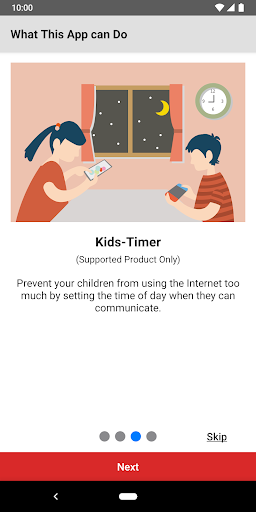
• Kids-Timer
• Internet connection settings
• Firmware update
• Administrator password
• Reboot
• etc
*Use the connect app for the AirStation connect series.
**You can log in automatically using the username and password previously entered and saved in the app.