Touch Screen Test


Touch Screen Test Summary
Touch Screen Test is a mobile Android app in Tools by Siriuth. Released in Jan 2015 (11 years ago). It has about 3.3M+ installs and 8.2K ratings with a 4.56★ (excellent) average. Based on AppGoblin estimates, it reaches roughly 137.1K monthly active users . Store metadata: updated Apr 15, 2021.
Recent activity: 131.1K installs this week (132.1K over 4 weeks) showing exceptional growth View trends →
Store info: Last updated on Google Play on Apr 15, 2021 .
4.56★
Ratings: 8.2K
Screenshots

App Description
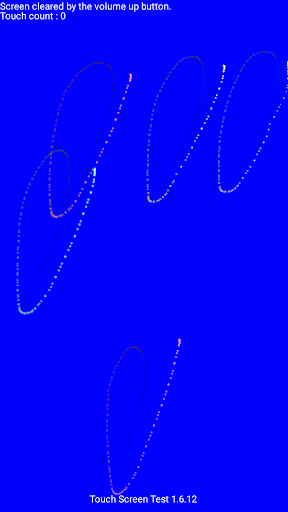
Draw a point where you touch.
This is a simple app for device testing.
You can easily check the status of the touch panel and use it to such as confirmation of multi-touch.
Since disappearing moderately It is also ideal for graffiti.
This app communication does not perform at all.
[How to use]
· When the screen to touch the circle will be drawn.
· Touch at the point there is a state, press the volume up button and it will be clear.
Even if the rotation of the screen will be cleared.
· The touched point in the absence and exit by pressing the volume up button.
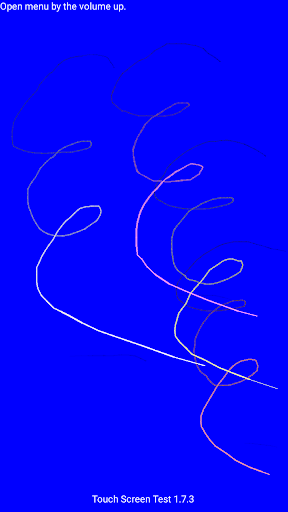
After 1.7.0, pressing the volume (up) button now displays the menu.
With the menu displayed, pressing the volume (down) button will move the cursor('->') to the next line.
With the menu displayed, press the volume (up) button to execute the line of the cursor.
You can quit the application by pressing the volume (up) twice after activating the application by operating the volume button.
[Comment]
The point of the trajectory is the state of the elements that are passed from Android.
Characteristics of the device by issuing as it is without processing will have to be captured as it is.
For example, on a device that is stable at a single touch, it is also easy to check the phenomenon becomes unstable when it comes to three or more points.
In the case of the device to be discontinuous, usually you can see that is unstable at that point to be periodically drawn is drawn disturbed.
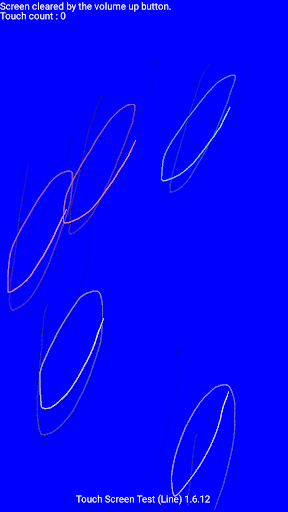
I thing a little experimental, It added a version to be drawn in a linear shape.
[Using permissions]
None
[History]
1.7.14 Build in Android App Bundle format.
1.7.13 Added display of maximum touch number.
1.7.12 Added null check.
1.7.11 Recompiled with API Level 28.
1.7.10 Add max_aspect 2.1 to AndroidManifest.xml. The menu operation can be performed with the keyboard cursor key.
1.7.9[α] Android framework bug workaround added. Added bitmap recycle of tool type icon.
1.7.8[β] Add Arabic, Chinese (Traditional)
1.7.7 Source code modification. Public release.
1.7.6 Support of RTL. Add Urdu language.
1.7.5 I added Hindi, Indonesian, Portuguese, Russian with Google Translate.
1.7.4 Change on code.
1.7.3 Canceled the mipmap and returned it to drawable. Added display of tooltype. I put the internal buffer back into the class array format.
1.7.2 Changed to fix the screen direction at startup.
1.7.1 Overall review