SmartM(9월26일 이후 서비스 이용 불가)


SmartM(9월26일 이후 서비스 이용 불가) Summary
SmartM(9월26일 이후 서비스 이용 불가) is a free, ad-supported Android app in Finance by 한화투자증권(주). Released in Jul 2011 (15 years ago). Store last updated Sep 26, 2025
SmartM(9월26일 이후 서비스 이용 불가) SDKs Summary
App not yet scanned for SDKs.
0★
Ratings:
Screenshots
App Description
Install the newly released Hanwha Investment & Securities MTS app and experience new services.
SmartM will be terminated after 5:00 PM on Friday, September 26, 2025. Please use the new Hanwha Investment & Securities MTS in the future.
- If you're having trouble installing the market,
https://nca-cdn.hanwhawm.com/_ctl_app_mts/SmartM/apk/SmartM.apk
[SmartM Key Features]
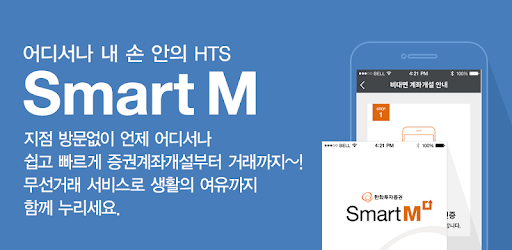
1. You can trade domestic stocks, futures and options, financial products, and more directly from SmartM.
2. Drag any menu item to the bottom to create a quick menu for convenient and fast ordering and transferring.
3. You can access investment information (Research Center, news, etc.) without logging in.
4. Features of Each Menu
- Order: Provides specialized orders, including domestic stocks, futures and options, ELW orders, reservation orders, and automatic orders.
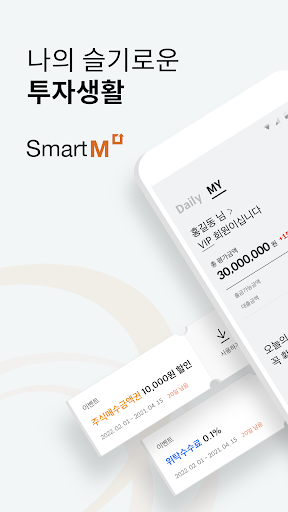
- Balance: Provides total balance and real-time balance by product/account.
- Interest: Mobile and HTS interest items can be linked.
- Financial Products: Provides fund/RP/subscription trading.
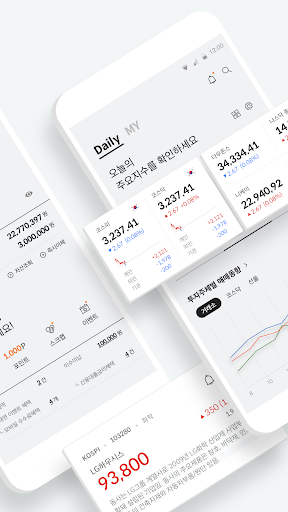
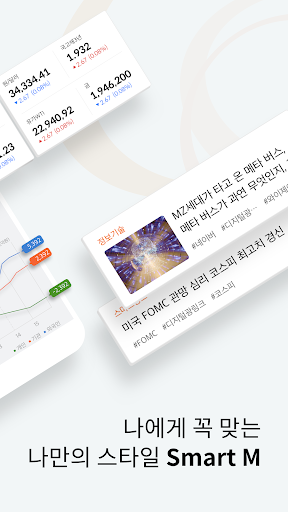
- Investment Information: Provides market information segmented by theme, including research centers and news.
- Banking: Provides services such as transfers and lending/borrowing applications.
- Credit Loans: Provides comprehensive services, from credit account opening and secured loan agreements to repayment.
- Charts: Provides charts by stock/industry.
5. Optimal OS Specifications: Android 6.0 or higher.
6. App Permissions and Usage Guide for SmartM
- Photos and Videos (Required)
Stock information, screen files, user settings, and data storage.
- Phone (Required)
Device information confirmation, customer support center call connection, ARS authentication.
*Information Collected: Phone number.
*Period of Use: Withdrawal of consent and Until membership cancellation
- Microphone (optional)
Voice menu search
- Notifications (optional)
Receive push messages
- Location (optional) Search for branches and check location information
- Camera (optional) Permission required to take a photo of your ID when re-registering your account password
※You can still use the app without consenting to optional access permissions, but some services may be restricted.
7. If you are using a smartphone with an Android OS version lower th