MHE Novel Viewer


MHE Novel Viewer Summary
MHE Novel Viewer is a mobile Android app in Books And Reference by MHE Software. It has about 5.7K+ installs Based on AppGoblin estimates, it reaches roughly 1.2K monthly active users . Store metadata: updated Oct 12, 2021.
Store info: Last updated on Google Play on Oct 12, 2021 .
4.17★
Ratings: 0
Screenshots


App Description
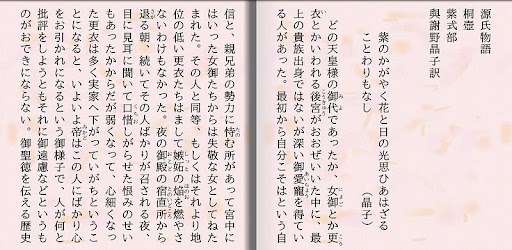
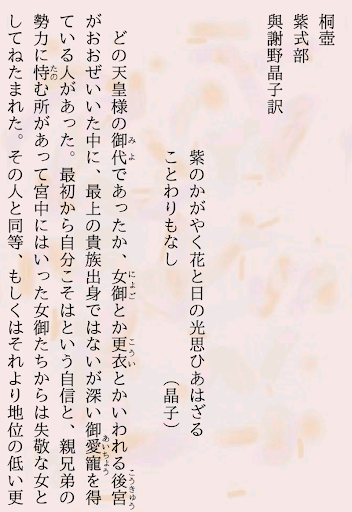
It is a text / image viewer for vertical / horizontal project. It corresponds to many inputer note such as ruby in blue sky style and illustration.
It is a text / image viewer for vertical / horizontal project
~ Features ~
· You can download the work from the server of Aozora Bunko easily and view it.
· Ruby in the Aozora Bunko format, and illustrations such as illustration correspond to many inputer note.
· It supports reading of files in ZIP.
· In addition to Aozora Bunko format, EPUB display is also available.
· By combining with MHENV_Analyzer, you can browse scanned images of vertically written documents with reflow display as if you are watching text files.
· By installing MHENV_Plugin, the following functions can be added.
○ Reading files from shared folders
○ Display pdf file
○ Reading files in rar
○ Display of variant characters (Corresponding fonts are required)
○ Display of surrogate pair (Corresponding font is required)
· You can read texts.
~ Notice ~
The menu button will be hidden from ver1.6.
Instead of the menu button, please use the menu button to go to the upper left corner of the seek bar screen or long press of the return button.
As for the main function, as with the previous ver, you can also select with the tap at the center of the top of the screen so please consider using it accordingly.
~ Activation license ~
Once license activation is done once after the first activation of 20 minutes elapses.
For authentication, it must be connected to the network.