Wess Musiq Sumthin 4 Da Street

Wess Musiq Sumthin 4 Da Street Summary
Wess Musiq Sumthin 4 Da Street is a mobile Android app in Music And Audio by LeoLiennod. Released in Jul 2018 (7 years ago). It has about 73+ installs Based on AppGoblin estimates, it reaches roughly 10 monthly active users . Store metadata: updated Jul 17, 2018.
Store info: Last updated on Google Play on Jul 17, 2018 .
0★
Ratings: 0
Screenshots



App Description
What'up World LeoLiennod's back with another Android App production. Wess Musiq
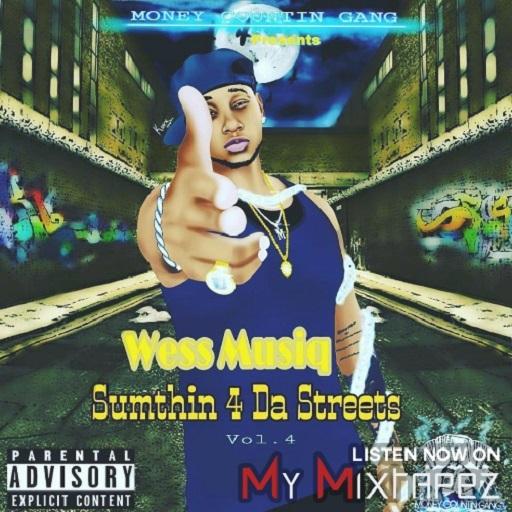
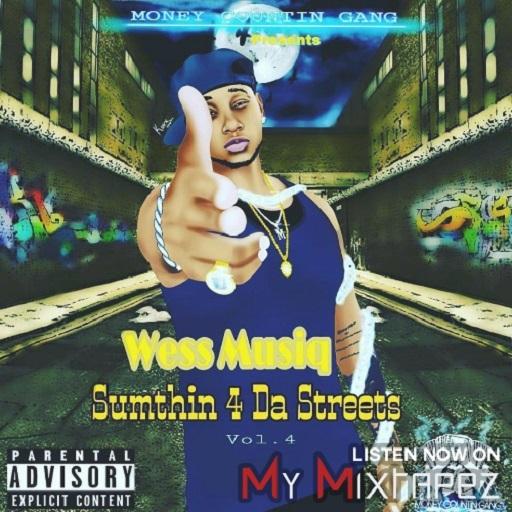
Introducing another familiar face along the gulf coast. Wess Musiq presents "Sumthin 4 Da Streets" vol.4. This fresh off the street heat just adds mo flavor to the era of digital music...
1.) I Got It- Prod. By Scott Supreme
2.) Down Here- Prod. By Wicho Beats
3.) SoSo Ft. Project Pat- Prod. By Sudan Cage
4.) Spazzin- Prod. By Wicho Beats
5.) Teach Em Sumthin Ft. Steelo Loc- Prod. Dystinkt Beats
6.) TTG Ft. B Will- Prod. Wicho Beats
7.) Tell Nobody Ft. Dywane Lyrique- Prod. Dystinkt Beats
For Studio Time, Beats, Booking or Feature Contact
850-356-6268 or 850737-7497
other inquiries contact us at
madeapitolrecords@gmail.com
End-User Documentation:
To OPEN application. Locate appropriate app thumbnail and tap.
To PLAY track. Tap GUI (button) labled with track of choice.
To PAUSE track. Tap PLAY/PAUSE button. PAUSED track will be marked as PLAY labeld track.
To STOP track. Tap STOP button. STOP button also resets track.
To RETURN to main screen. Tap PLAY/PAUSE button twice.
To CLOSE application. Locate Overview Button on your device. Tap Overview Button. Then locate appropriate application.Tap the 'X' to CLOSE application.
**IMPORTANT WARNING**
APPLICATION WILL CRASH IF END-USER DOES NOT FOLLOW APPROPRIATE INSTRUCTIONS TO CLOSE APPLICATION.
**HINT**
APPLICATION PLAYING IN BACKGROUND:
Locate Overview Button on your device. Tap Overview button to display all running Apps on your device..Locate App. Then tap 'X' to Close App.
**DEFINITIONS**
App- Application
GUI- Graphical User Interface
Android app production by ©LeoLiennod 2018