FIREPROBE Speed Test


FIREPROBE Speed Test Summary
FIREPROBE Speed Test is a ad-supported, with in-app purchases Android app in Tools by V-SPEED.eu. Released in Jan 2018 (8 years ago). It has about 1.7M+ installs and 164.1K ratings with a 4.82★ (excellent) average. Based on AppGoblin estimates, it reaches roughly 179.1K monthly active users and generates around $10K+ monthly revenue (25% IAP / 75% ads). Store metadata: updated Mar 27, 2026.
Recent activity: 447 installs this week (2.2K over 4 weeks) showing steady growth , and 3.00 new ratings this week View trends →
Store info: Last updated on Google Play on Mar 27, 2026 .
4.82★
Ratings: 164.1K
Screenshots

App Description
FIREPROBE Speed Test — it is not just an Internet connection test.
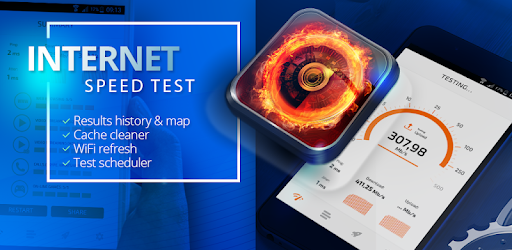
FIREPROBE Speed Test is very accurate tool for analysis of the Internet connection. It offers a scheduler for automatic test planning and WiFi refresh for quick connection quality improvement. As a very light application, it saves your device resources.
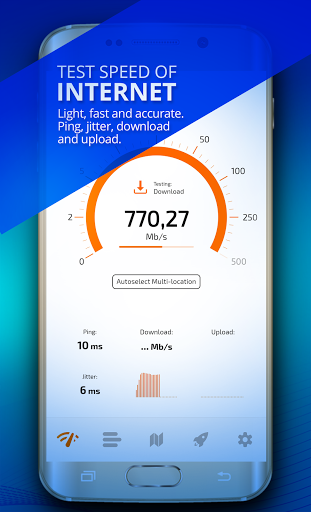
Using FIREPROBE Speed Test you can perform the following tests for WiFi and mobile connections 2G, 3G, 4G LTE, 5G:
• ping test – network delays test between device and Internet,
• jitter test – variation of the network delays,
• download test – how fast you can get data from Internet,
• upload test – how fast you can send data to Internet.
The advanced quality summary is shown after every test. You can see how good will work the basic Internet services you are using every day:
• websites browsing,
• streaming of low and high quality videos e.g. YouTube,
• voice calls e.g. Skype, WhatsApp,
• online games.
FIREPROBE Speed Test gives you also:
• automatic or manual reference server selection,
• speed unit selection: Mb/s (megabits per second) or kb/s (kilobits per second),
• creating test results history with filter options,
• exporting test results in CSV file,
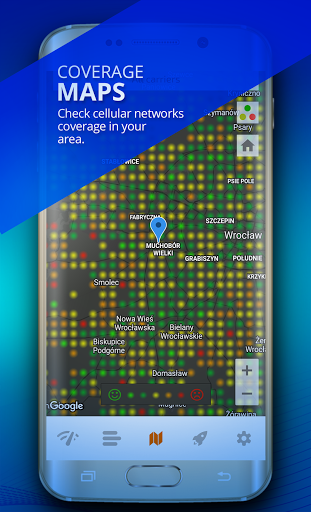
• viewing the built-in map of the mobile network coverage,
• IP/ISP address display,
• tracking test result location on the interactive map.
Using PRO FEATURES you can:
• refresh WiFi connection to increase overall quality,
• schedule the automatic connection speed tests in the background using options: time interval, maximum test count, maximum data transferred amount and connection type (WiFi, 2G, 3G, 4G LTE, 5G).