Hourly chime & Speaking clock

Hourly chime & Speaking clock Summary
Hourly chime & Speaking clock is a ad-supported, with in-app purchases Android app in Health And Fitness by Hoang Lang. Released in Nov 2020 (5 years ago). It has about 198.9K+ installs and 2.7K ratings with a 4.26★ (good) average. Based on AppGoblin estimates, it reaches roughly 29.3K monthly active users and generates around $<10K monthly revenue (24% IAP / 76% ads). Store metadata: updated Oct 5, 2025.
Recent activity: 327 installs this week (1.4K over 4 weeks) showing steady growth , and 7.00 new ratings this week View trends →
Store info: Last updated on Google Play on Oct 5, 2025 .
4.26★
Ratings: 2.7K
Screenshots


App Description
Hourly chime app (blip blip) that speaking clock every hour to tell you the time
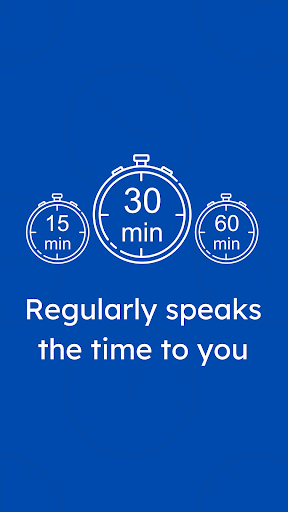
Mindfulness Chime is a hourly chime app (also known as a talking clock, speaking clock, hourly alert, hourly beep, hourly reminder, hourly signal or just a blip blip) that help you to tracking time better with 5 mins, 10 mins, quarter-hourly, half-hourly and hourly reminder chimes.
You can set different sounds for each time slots such as hourly, half-hourly... so it's more easier to known the time.
The option to speak the current time is also support. Speak out loud the time so you don't need to open your phone, safer while driving.
Support muted time range setting, auto turn off at desired time.
NOTICE: A text-to-speech engine must be installed, like for example Google TTS, IVONA TTS, Vocalizer TTS or SVOX Classic TTS. The TTS engine is not part of this application and can be downloaded from the Play Store. The quality of the voice depends from the installed TTS engine.
* Permission:
- Internet: to collect bug/crash log (via google service) in order to fix and make app better day by day
- Vibration: to use vibrate function as app have a Vibrate Only option
- Foreground Service: to run app in background to schedule alarm for ringing bell