Blue Line Console


Blue Line Console Summary
Blue Line Console is a mobile Android app in Tools by nhirokinet. Released in Mar 2018 (8 years ago). It has about 7.2K+ installs and 139 ratings with a 4.52★ (excellent) average. Based on AppGoblin estimates, it reaches roughly 642 monthly active users . Store metadata: updated Mar 6, 2026.
Recent activity: 12 installs this week (61 over 4 weeks) showing steady growth View trends →
Store info: Last updated on Google Play on Mar 6, 2026 .
4.52★
Ratings: 139
Screenshots

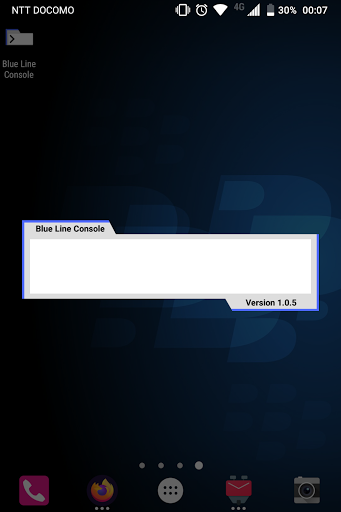


App Description
Open apps, web search, and calculator with commands.
Blue Line Console launches your apps, web search engines, and built in calculator via keyboard.
You can launch the desired app quickly with your keyboard everywhere. Just type 2 or 3 characters, and likely you can find the desired app on top of list. You need no configuration to do it (although I prepared some configuration for more comfortable usage).
You can start Blue Line Console by pressing once you set this app to default Assist App of Android. You can also start from notification bar, available everywhere (find this option in configuration screen, opened with config command).
You can input one of below list to search apps or commands.
- Part of application name (e.g. Blue Line Console)
- Part of package name (e.g. net.nhiroki.bluelineconsole)
- URL
- Calculation formula (e.g. 2+3*5, 1inch in cm, 1m+1inch, 1m+1inch in cm)
- One of commands below (e.g. help)
Available commands:
- help
- config
- date
- bing QUERY
- duckduckgo QUERY
- google QUERY
- wikipedia QUERY
- yahoo QUERY
- ping HOST
- ping6 HOST
Source code: https://github.com/nhirokinet/bluelineconsole