Art Room (beta)


Art Room (beta) Summary
Art Room (beta) is a mobile Android app in Video Players by cmdr2. Released in Oct 2015 (10 years ago). It has about 1.1K+ installs and 9.00 ratings . Based on AppGoblin estimates, it reaches roughly 9.00 monthly active users . Store metadata: updated Oct 5, 2015.
Store info: Last updated on Google Play on Oct 5, 2015 .
0★
Ratings: 9.00
Screenshots

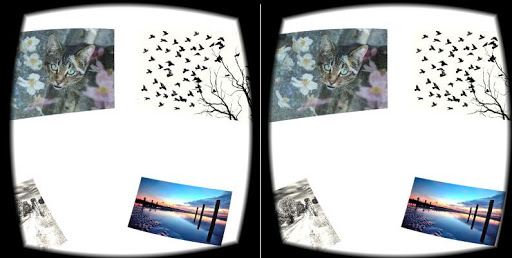
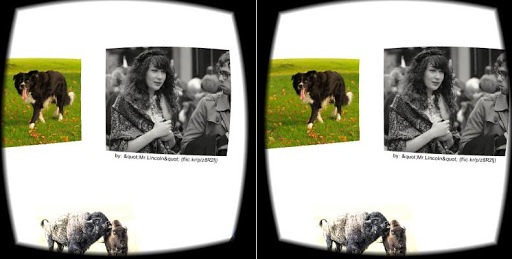
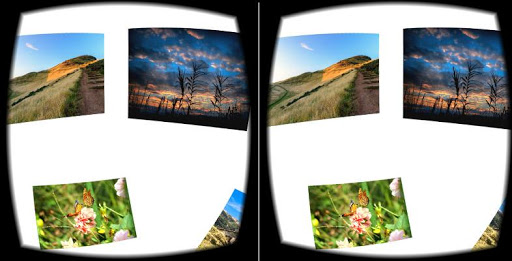
App Description
Shows photos from the internet, in virtual reality, in a simple room around you
Shows photos from the internet, in virtual reality, in a simple room around you. Sources interesting photos from Flickr which indexes over 7 million new photos by artists every week. Useful when bored.
Steps to start viewing photos:
1. Press the "Install" button.
2. After the installation is complete, start the "Art Room" application on your phone.
3. Insert your phone into a Google Cardboard (or similar) viewer. Get your viewer at https://goo.gl/5OgX7A (decent viewers cost between US $20 - $30).
4. Enjoy the collection of random photos from the internet!
5. To view a different photo, push down and leave the trigger on your Cardboard TWICE (like a double click). Or you can also press "Fire1" TWICE on your bluetooth controller.
6. Please visit the authors of the photos to show your support for their work!
Tip: Increase your screen brightness for best results.
Disclaimers:
1. This is a beta test version to seek feedback, so if you encounter problems please let me know your problem and phone model in the comments. This will help me fix the problem.
2: The photos are owned by their respective credited authors. 'Art Room' is only a viewing tool for such photos, and does not own or profit from them.
Controls:
1. To view a different collection of photos, push down and leave the trigger TWICE (like a double click). Or press "Fire1" on your controller TWICE.
2. To look behind you, push down and leave the trigger ONCE and wait for a second. Or press "Fire1" on your controller ONCE, and wait for a second.
Cover image by Nick Russill (http://flic.kr/p/ehTNs).