Photoczip - compress resize


Photoczip - compress resize Summary
Photoczip - compress resize is a mobile Android app in Photo And Video by Eson Yu. Released in Apr 2014 (12 years ago). It has about 445.8K+ installs and 1.7K ratings with a 4.17★ (good) average. Based on AppGoblin estimates, it reaches roughly 972 monthly active users . Store metadata: updated Feb 22, 2024.
Recent activity: 150 installs this week (554 over 4 weeks) showing steady growth , and -1 new ratings this week View trends →
Store info: Last updated on Google Play on Feb 22, 2024 .
4.17★
Ratings: 1.7K
Screenshots

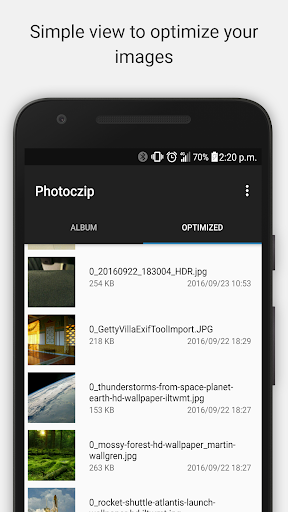
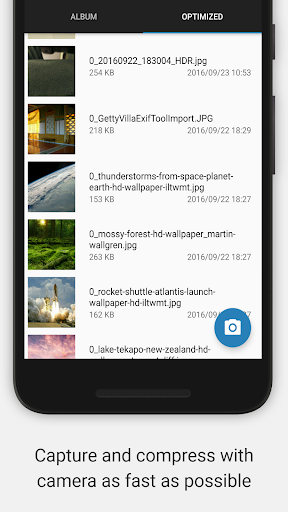
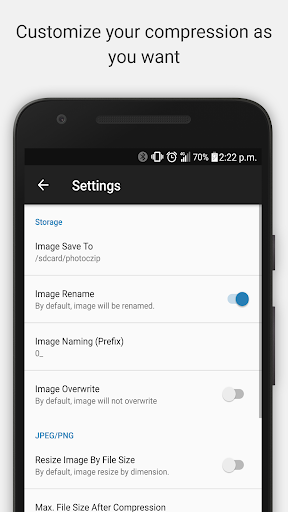
App Description
Compress, resize and zip all your photos in one step. Simplify your work.
Photoczip - compress resize
Compress, resize and zip all your photos in one step.
Simplify your work.
Photoczip - Compress, resize and zip all photos in one step. We make it as simply as possible before sending/sharing them by Email, Facebook, dropbox, twitter, google drive & pinterest etc.
Features:
* Customized Camera widget(one click to compress)
* Edit JPG image meta data.
* Preview compressed images in gallery view.
* Support JPG/PNG compress and resize.
* Keep/Remove Exif/GPS/xmp tags of original photos
* Compress/shrink photos with different size
* Gallery View of photos
* Reduce your photos size and save your storage space
* Batch photos compression
* Zip all image together
* Convert PNG to JPG
* Add watermark to image
* Rotate image by gesture
* Manage your compressed resized photos
* Share photos easily
* Attach images on the fly.
* No advertisement, Absolutely Free
This app is a simple and handy tool for you to compress large size photos in your smart phone /tablet. It can compress photo less than 100KB in one step.
HOW TO COMPRESS PHOTOS
1. Choose Image from Gallery
2. Choose "Compress"
3. Done.
ONE CLICK TO COMPRESS VIA CAMERA WIDGET
1. Add Photoczip camera widget.
2. Click "Photoczip" camera
3. Take a shot.
4. Done.
Language support - Robert Köhler (German Translation)