KIT Scenarist


KIT Scenarist Summary
KIT Scenarist is a with in-app purchases Android app in Productivity by STORYAPPS. Released in Jul 2017 (8 years ago). It has about 5.4K+ installs and 330 ratings with a 3.94★ (average) average. Based on AppGoblin estimates, it reaches roughly 167 monthly active users and generates around $<10K monthly revenue (100% IAP / 0% ads). Store metadata: updated Oct 27, 2021.
Recent activity: 3.00 installs this week (10 over 4 weeks) showing strong growth View trends →
Store info: Last updated on Google Play on Oct 27, 2021 .
3.94★
Ratings: 330
Screenshots


App Description
Simple and powerful screenplay editor.
KIT Scenarist will allow you to have at hand all your screenplays. You can write down ideas, work out dialogues of characters, or describe actions without leaving the hammock. Send the script to the editor by mail during a trip on the subway. And even edit projects at the same time as your co-authors from different parts of the globe.
Features:
• creation of projects on the device and in the cloud service (ability to work with KIT Scenarist's cloud is an additional service);
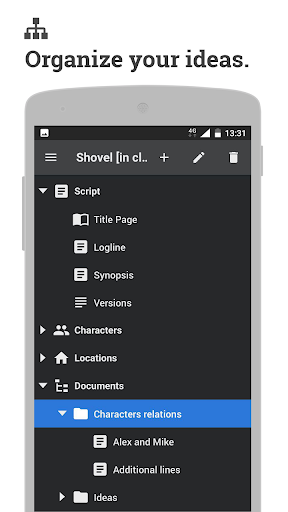
• fill basic information about the script (script name, title page, logline, and synopsis);
• create lists of characters and locations and fill their descriptions;
• create text notes on the project with the ability to group notes by folders within each project;
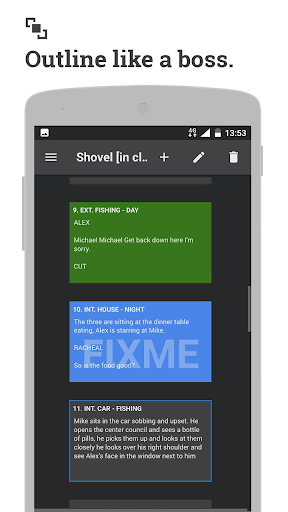
• work with a screenplay in corkboard mode;
• viewing screenplay text and editing it in accordance with industry standards;
• view the list of scenes and navigate the text of the script;
• the possibility of reviewing the text of the script (highlighting, adding comments);
• import scripts from the formats fdx, fountain, docx and kitsp from any installed application (mail, Dropbox, Google Drive etc.);
• export notes and scripts to pdf, fdx, fountain docx and kitsp formats in any of the installed applications (mail, Dropbox, Google Drive etc.).