MTrader


MTrader Summary
MTrader is a mobile Android app in Finance by Millenniumbcp. Released in Jul 2014 (11 years ago). It has about 102.3K+ installs and 497 ratings with a 3.52★ (average) average. Based on AppGoblin estimates, it reaches roughly 3.9K monthly active users . Store metadata: updated May 19, 2026.
Recent activity: 180 installs this week (911 over 4 weeks) showing steady growth View trends →
Store info: Last updated on Google Play on May 19, 2026 .
3.52★
Ratings: 497
Screenshots



App Description
With this App the financial markets will follow you everywhere
Do you invest in the stock market? Do you follow the latest news of the markets? Install the MTrader App! It’s quick, easy and it has everything you need to control your investments.
Plus, you’ll have access to:
Real time quotes of international stock markets
Follow real time quotes of the main stock markets (Lisbon, Paris, Amsterdam, Brussels, Madrid, Frankfurt, London, New York, Nasdaq, Milan, Dublin, Switzerland, Austria and Scandinavia) and of the financial Certificates issued by Millennium bcp.
Simple and intuitive layout
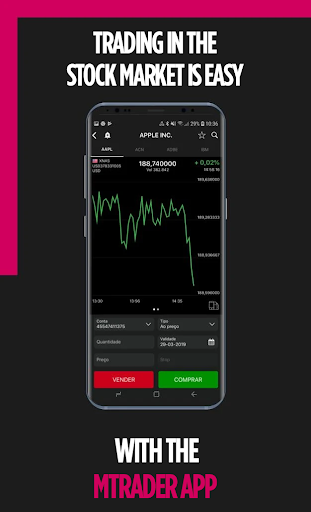
Trade directly in the stock market. Buy and sell in a swifter and more intuitive layout.
Market depth and latest trades
You’ll have access to the market depth, to the ten last purchase and sell positions of the Euronext securities market and to the last five positions of carried out trades.
News and Research
Daily video with news on the market opening, notes and rumours that may have an impact on your investments, along with opinions of national and international analysts, dividend charts and schedules that help you better plan your week.
All the information, one app
In the same interface you’ll have access to real time information of your securities portfolio, streaming access to your order book and direct trading in the app.