Pix Icon pack - app Icon


Pix Icon pack - app Icon Summary
Pix Icon pack - app Icon is a ad-supported, with in-app purchases Android app in Personalization by LOIS Dev. Released in Aug 2018 (7 years ago). It has about 3.9M+ installs and 20.1K ratings with a 4.40★ (good) average. Based on AppGoblin estimates, it reaches roughly 12.1K monthly active users and generates around $10K+ monthly revenue (69% IAP / 31% ads). Store metadata: updated Jun 18, 2025.
Recent activity: 744 installs this week (88.1K over 4 weeks) showing steady growth , and 2.00 new ratings this week View trends →
Store info: Last updated on Google Play on Jun 18, 2025 .
4.4★
Ratings: 20.1K
Screenshots

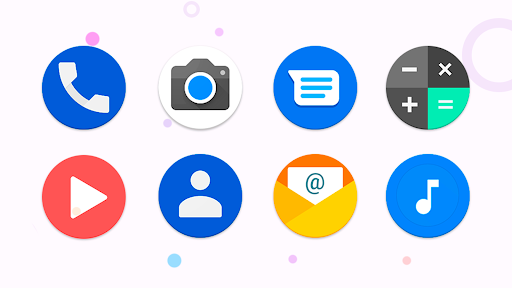
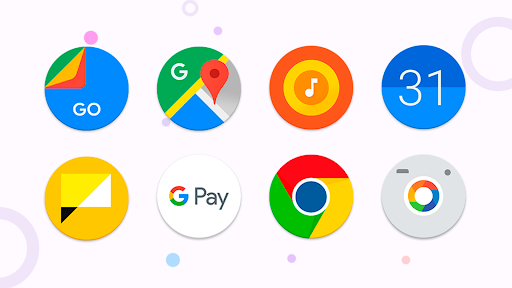
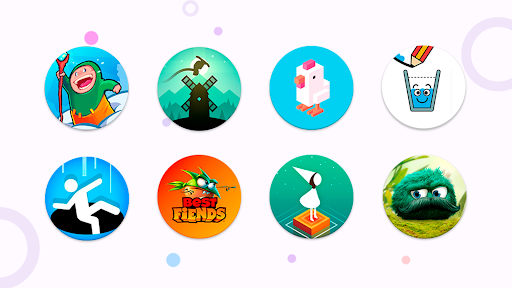
App Description
Pix Icon pack - contains 14000+ beautiful app icons in the circle style Icon!
Pix Icon pack that reflects the style in a Pix. Supported by poco, Microsoft launcher and other
Consisting of more than 10000 app icons, with a linear design, bold colors and round shapes.
Other Features in Icon pack
• preview & search.
• Dynamic Calendar
• Material Dashboard.
• Custom folder
• Category-based
• Custom app drawer.
• Easy Request
Personal Recommended Settings for this Icon pack
• Use Nova
• Set Normalization Off From the Nova Settings
• Set Size to 100% - 120%
Please note: - This is a Icon pack, and a special launcher for Android is required, for example, nova theme, Atom, Apex, Poco, etc. It will not work with Google Now, Pix or any that comes with the phone.
How to use Icon pack?
Step 1 : Install supported theme Launcher
Step 2 : Open icon pack and Go to Apply section and Select Launcher to apply.
If your launcher is not in a list make sure you apply it from your launcher settings
Supported (the icon pack can be applied directly from the icon pack):
Action • ADW • Apex •Atom • Aviate • CM Theme Engine • GO • Holo • Holo HD • LG Home • Lucid • M • Mini • Next • Nougat •Nova (recommended) • Smart •Solo •V • ZenUI •Zero • ABC •Evie • L • Lawnchair
Supported (the icon pack can be applied from the Launcher settings):
• Microsoft • Arrow • ASAP • Cobo • Line • Mesh • Peek • Z • Launch by Quixey • iTop • KK • MN • New • S • Open • Flick • Poco
This app has been tested, and it works with these launchers. However, it may also work with others too.In case you do not found an apply section in dashboard. You can apply from a theme setting.
Pro tips:
- For wallpaper, open app → Menu → Wallpapers → Apply. New wallpapers added frequently.
- Search or find an alternate icon:
1. Long press icon to replace on homescreen → Icon options → Edit → Tap icon → Select pack → Press arrow on top right to open icons
2. Swipe to access different categories or use search bar to find alternate icon, tap to replace, done!
If you have ideas or suggestions, for example, you don’t like this or that icon, and you have an idea how to make it better. Email us at support@porting-team.ru
Extra Notes
• Needs a launcher in order to work.
• Google Now do not s