TV Remote for Samsung TV

TV Remote for Samsung TV Summary
TV Remote for Samsung TV is a ad-supported, with in-app purchases Android app in Entertainment by Backslash. Released in Feb 2017 (9 years ago). It has about 28M+ installs and 193.6K ratings with a 4.31★ (good) average. Based on AppGoblin estimates, it reaches roughly 271.1K monthly active users and generates around $10K+ monthly revenue (67% IAP / 33% ads). Store metadata: updated Nov 2, 2025, version 63.
Recent activity: 219.9K installs this week (240.4K over 4 weeks) showing exceptional growth , and 27 new ratings this week View trends →
Data tracking: SDKs and third-party integrations were last analyzed on Mar 26, 2026. The app's network data flows (API traffic to/from the app and its SDKs) were last crawled on Oct 5, 2025.
Store info: Last updated on Google Play on Nov 2, 2025 (version 63).
TV Remote for Samsung TV was last scanned for SDKs 2026-03-26. Below is the overview of third party companies detected in the app. The full list of raw SDKs, app permissions and unknown SDKs is available here.
 Vungle
 Google
 Amazon Advertisement
 Pangle
 JetBrains
 Square
 Firebase
 Keepsafe
 AdMob
AdMob Unity
Unity4.31★
Ratings: 193.6K
Screenshots

App Description
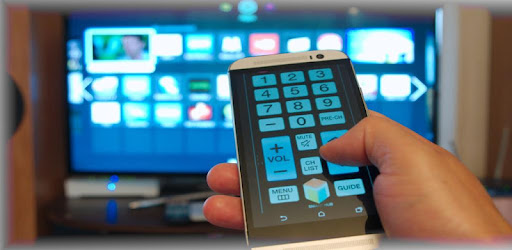
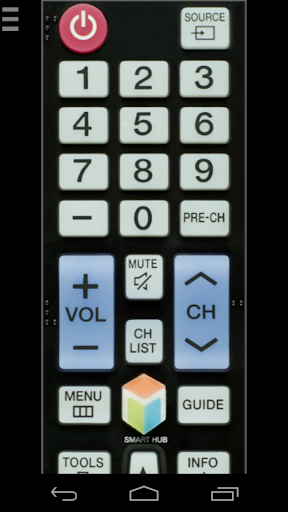
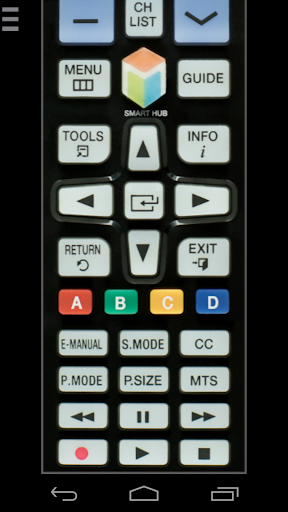
Remote control for Samsung Smart TV. Take control of your Samsung Smart TV!
This remote control app allows you to control your Samsung Smart TV over the local network on your phone or from your wrist with Wear OS watch. It is tested with Samsung K-series Tizen TVs (2016 and later) and C, D, E, F, H, J (manufactured between 2010 - 2015) TVs with network (LAN or WiFi) interface.
★ C-Series TV (2010) with Internet TV feature
The function "Remote Control" in the settings of the TV must be enabled)! It's usuallly located at Menu -> System Settings. If there is no such setting, then sadly your TV does not support remote control over network.
★ D-Series models (2011) with AllShare Smart TV feature
★ E(S/H)-Series (2012) with AllShare Smart TV feature
★ F-Series (2013) with AllShare Smart TV feature
App must be set as allowed remote application in the Allshare settings of the TV. If this app connects to your TV on the first time, then you have to accept the message that appears on your TV. If you have refused the confirmation message on your TV ("accept device"), it is possible later to change your selection by going to: Menu -> Network -> AllShare Settings or Menu/Tools -> Network -> Expert Settings -> Mobile Device Manager.
★ K-Series (2016+) Samsung Tizen models with MultiScreen Smart TV control feature your phone must be set as allowed device in Mobile Device Manager. If this app connects to your TV on the first time, then you have to accept the message that appears on your TV. If you have refused the confirmation message on your TV ("accept device"), it is possible later to change your selection by going to: Menu -> Network -> Expert Settings -> Mobile Device Manager.
NB! Make sure your television and phone or tablet are connected to the same local network. This app will work only then when your phone and TV are both on the same local network!
Thanks for downloading this app. If this app doesn't work with your phone or TV then feel free to e-mail me.
Disclaimer/Trademarks:
This app is made by me and is NOT affiliated with or endorsed by Samsung or any other developers.