USB OTG File Manager

USB OTG File Manager Summary
USB OTG File Manager is a ad-supported Android app in Tools by Apps Impulses. Released in Jul 2023 (2 years ago). It has about 180.2K+ installs and 542 ratings with a 3.10★ (mixed) average. Based on AppGoblin estimates, it reaches roughly 16.7K monthly active users and generates around $<10K monthly revenue (0% IAP / 100% ads). Store metadata: updated Mar 16, 2026.
Recent activity: 6.2K installs this week (13.6K over 4 weeks) showing strong growth , and 2.00 new ratings this week View trends →
Store info: Last updated on Google Play on Mar 16, 2026 .
3.1★
Ratings: 542
Screenshots

App Description
Manage your files on any USB storage device with your Android phone
Manage your files on any USB storage device with your Android phone
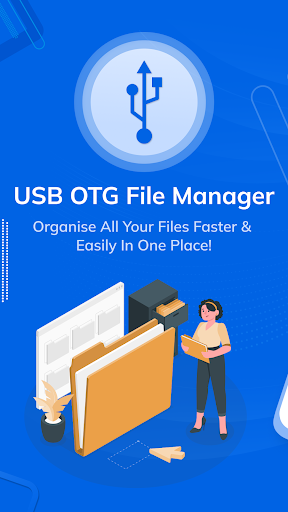
With USB OTG File Manager, you can now easily manage all your files on your phone and external USB devices.
USB OTG File Manager is easy to use and gives you the ability to access your files quickly and efficiently with usb for phone.
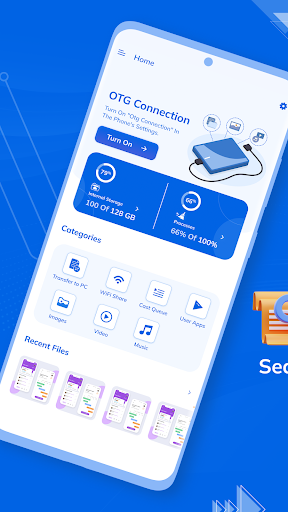
You'll also be able to transfer files from your phone to an external USB drive or vice versa with just the press of a button. The OTG File Manager is designed with convenience in mind, allowing users to easily explore USB storage devices like flash drives and hard disks connected to their phones for quick access to important data. Furthermore, it also makes it easier for users to transfer massive amounts of data from one device to another in no time with otg file explorer.
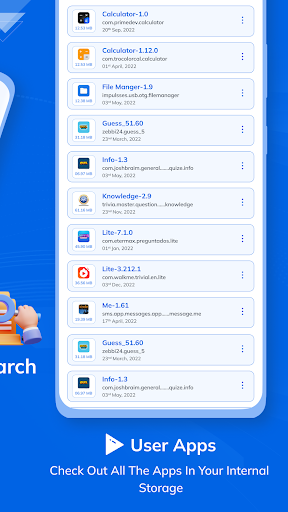
USB OTG file manager helps you to easily and quickly transfer files from USB storage to your Android device. With this tool, you can easily manage large files, check directories, view and search for media files directly from the USB drive. Moreover, you can also use the USB File Explorer to back up your photos, videos, documents, and settings on your phone or tablet.
Application Features
- Find and save your files quickly
- Easy to use
- Explore, transfer, copy, delete, and rename files that are stored on your external storage device with a simple and intuitive user interface.