Acceleration


Acceleration Summary
Acceleration is a with in-app purchases Android app in Auto And Vehicles by Kevin Power - Wales. Released in Dec 2021 (4 years ago). It has about 137+ installs Based on AppGoblin estimates, it reaches roughly 12 monthly active users and generates around $<10K monthly revenue (100% IAP / 0% ads). Store metadata: updated Dec 25, 2021.
Store info: Last updated on Google Play on Dec 25, 2021 .
0★
Ratings: 0
Screenshots

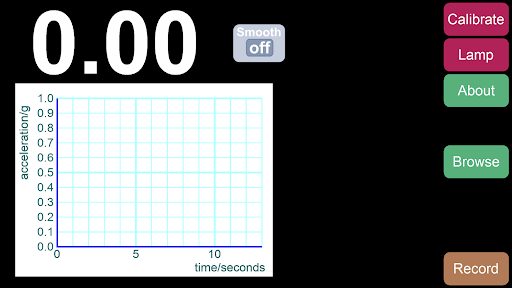
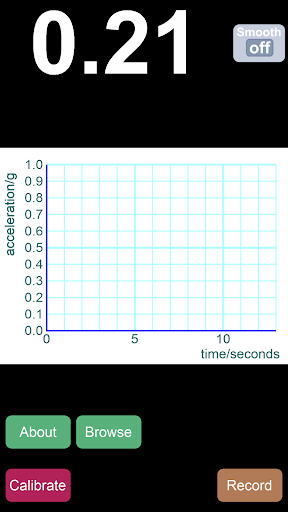
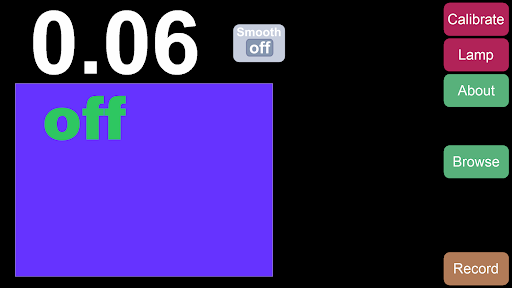
App Description
Measure horizontal acceleration and check brake lights during regeneration
'Acceleration' is special in two ways.
First, it processes the readings from your built-in accelerometers in real time to show only horizontal acceleration.
Second, it takes data directly from your built-in accelerometers, sidestepping built-in smoothing.
Created originally to help EV drivers who were concerned that their brake lights were coming on inappropriately during regenerative braking, it can also be used to display braking and acceleration performance.
It's a small app that's easy to use. You don't have to sign-in, there aren't any ads and an internet connection isn't needed.
To use the app, set your device in one fixed place. Tap 'Calibrate' to let the app find the size and direction of gravity.
Horizontal acceleration is now displayed.
When 'Record' is tapped, for the next 13 seconds a scatter graph of calculated readings is displayed. Two green arrows let you increase or decrease the vertical scale of the graph.
By default, unsmoothed data from your accelerometers is used. Tapping the 'Smooth' button continuously averages the last last ten readings. This helps to manage results.
To help check the correct function of brake lights during regeneration, the 'Lamp' button displays a panel that changes from blue to yellow at 0.7m/s/s, and to red at 1.3m/s/s.
Upgrading will let you save your sets of data to look at later. You can also export full-sized pictures of graphs into your camera roll. However, apart from this, the free version of this app is fully functional.
This app takes raw data from the accelerometers - not the processed data provided by the operating system. When 'Calibrate' is pressed, the magnitude and direction of gravity is measured, relative to the device. The app then continues to collect data from the accelerometers, mathematically projecting it onto the plane perpendicular to the original gravity vector.
It reports the magnitude of this projected vector.
This process produces a reliable result for horizontal acceleration, whilst making you aware of jitter and sensitivity.