UK ETA

UK ETA Summary
UK ETA is a free iOS app in Tools by Home Office. Released in Oct 2023 (2 years ago). It has 5.1K ratings with a 3.11★ (mixed) average. Based on AppGoblin estimates, it reaches roughly 14K monthly active users . Store last updated Aug 19, 2026
Recent activity: 11 new ratings this week View trends →
SDK intelligence: AppGoblin detected 3 development tools(e.g. Google), 1 analytics: product,and 1 business tools integrated into UK ETA. View full SDK list →
UK ETA SDKs Summary
UK ETA was last scanned for SDKs on 2026-07-29. Below is the overview of third-party companies detected in the app. The full list of SDKs, permissions and unknowns is available here.
 Google
 nanopb
 Alamofire
 Firebase
 Cardinal by Visa
3.11★
Ratings: 5.1K
Screenshots
App Description
Use the UK ETA app to apply for an electronic travel authorisation (ETA) to come to the UK.
Who can apply
Find out if you need an ETA to travel to the UK at: https://www.gov.uk/electronic-travel-authorisation.
How to apply on the UK ETA app
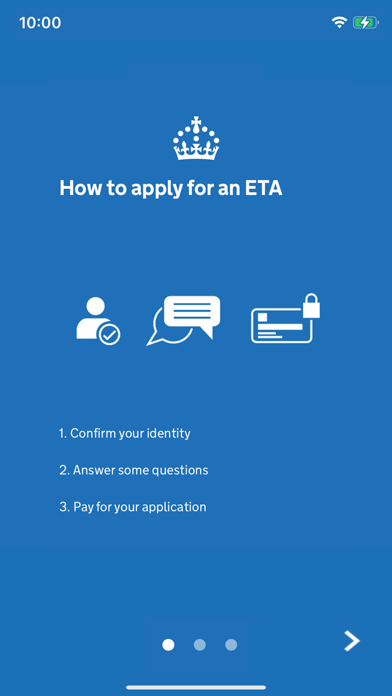
1. Take a photo of your passport.
2. Scan the chip in your passport.
3. Scan your face.
4. Take a photo of yourself.
5. Answer some questions about yourself.
6. Pay for your application.
It should only take 10 minutes to apply.
You do not need to enter your travel details.
Before you start
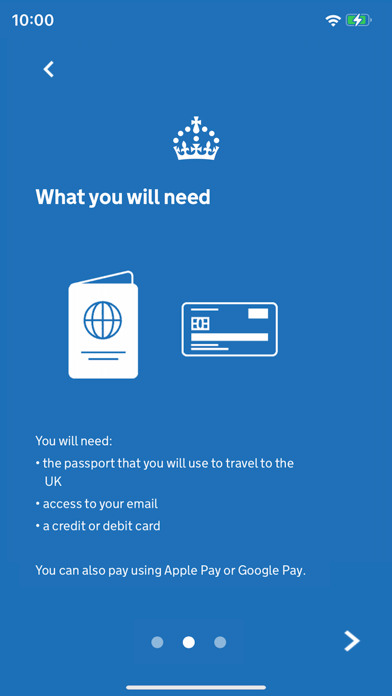
To apply you will need:
• an iPhone 8 or newer with IOS 16 or later
• the passport you will use to travel to the UK
• a credit card, debit card or Apple Pay
• access to your emails
If you're applying for someone else they must be with you. If they are not, you should apply online at: https://www.gov.uk/electronic-travel-authorisation.
After you apply
You’ll get a decision by email from UK Visas and Immigration (UKVI), usually within a day. Allow up to 3 working days (Monday to Friday) to get a decision, but it may arrive much sooner.
The email will contain your 16 digit ETA reference number.
You must wait until you get an email confirming you have an ETA before you travel to the UK.
If you have not received a decision after 3 working days, check your spam or junk email folder before contacting UKVI.
You may get decisions at different times to other people you applied for.
Your ETA will be linked to the passport you applied with. You only need to show your passport when you travel to the UK.
Privacy and security
The app is safe and secure. No information is stored on the app or your phone after you close it. You can delete the app after you have completed your application.
For information on staying safe online visit the UK Cyber Aware website: https://www.ncsc.gov.uk/cyberaware/home
Accessibility
You can read our accessibility statement at: https://confirm-your-identity.homeoffice.gov.uk/register/eta-app-accessibility